Best Model Provider Setup For Hermes Agent
How to think about model provider choice for Hermes Agent, including BYOK vs bundled access and what changes operationally after deployment.
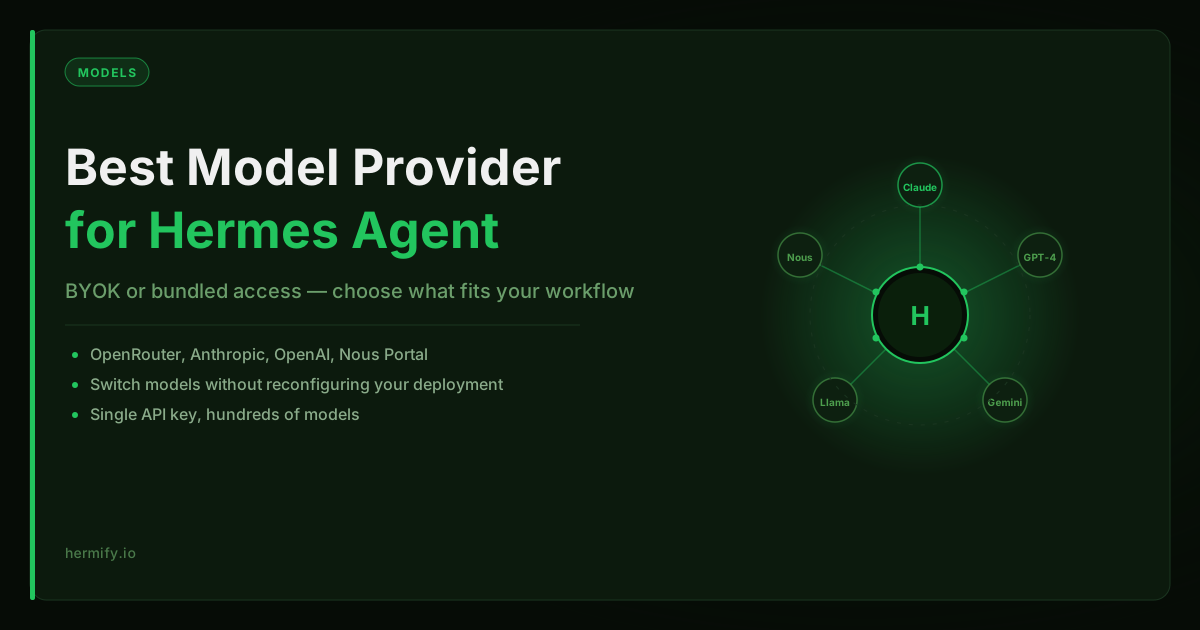
The Provider Choice Is Really Two Questions at Once
When people ask about the best model provider setup for Hermes Agent, they are usually asking two things simultaneously:
- Which provider and model should Hermes use?
- How much operational complexity am I signing up for?
These are different questions that often get collapsed into one. The first is about quality, cost, and capability. The second is about how many accounts, keys, and billing relationships you want to manage. Getting clear on both is what makes the decision straightforward.
The Providers Hermes Supports
The official Hermes Agent setup supports five provider paths:
OpenRouter, A single API key that routes to hundreds of models from Anthropic, OpenAI, Meta, Google, Nous, and others. One billing interface, one key. This is the most common starting point for new Hermes deployments.
Anthropic direct, Provides direct access to Claude models without a third-party intermediary. Useful if you want a direct relationship with Anthropic's API, or if you are already an Anthropic API customer and want to consolidate billing.
OpenAI direct, Direct access to GPT-4 and the o-series reasoning models. Most useful when your workflows benefit specifically from OpenAI's tool-calling implementation or code interpreter capabilities.
Nous Portal, Nous Research's own portal, with preferred access to Hermes-family models. Since Hermes Agent was built by Nous, the Hermes-family models have unusually tight alignment with the agent's system prompts and behavior.
OpenAI-compatible endpoints, Any provider that exposes an OpenAI-compatible API, including local models via Ollama or LM Studio. Useful for air-gapped or cost-sensitive deployments.
Why Most Users Start with OpenRouter
OpenRouter wins for initial setup for a simple reason: you get model flexibility without upfront commitment. Instead of deciding whether Claude or GPT-4 is better for your workflow before you have any usage data, you start with a single key and switch models at any time.
For a self-improving agent like Hermes, which is designed to run for months and accumulate context, the ability to upgrade the model without touching the deployment infrastructure matters a lot. You can start with a cheaper model and move to Claude when the task complexity warrants it.
The Hermes setup flow makes this concrete:
provider: openrouter
model: anthropic/claude-3-5-sonnet
openrouter_api_key: sk-or-your-key-here
To change the model without resetting your configuration:
hermes model
The Model Selection Decision
Given OpenRouter as the provider, the model choice matters. These are the practical options:
anthropic/claude-3-5-sonnet, Strong instruction following, long context (200k tokens), excellent for multi-step workflows and writing tasks. This is the default recommendation for Hermes because the agent's memory files and skill invocations can be verbose, and context window depth matters.
nousresearch/hermes-3-llama-3.1-405b, Nous's own model, specifically trained on data that aligns with how Hermes Agent structures its prompts. Worth testing if you want to stay in the Nous ecosystem and want the tightest possible fit between model and runtime.
openai/gpt-4o, Fast, good at code and structured output, strong tool-calling support. Use this when your Hermes workflows are primarily code tasks or when you need faster iteration speed.
meta-llama/llama-3.1-70b-instruct, Open-weights, significantly cheaper per token than frontier models. Use for high-volume, lower-complexity workflows where cost per interaction matters more than peak capability.
google/gemini-2.0-flash, Very fast, 1 million token context window, competitive cost. Good choice if your Hermes memory files are large and you keep hitting context limits on other models.
BYOK vs Included Access
There are two clean deployment philosophies:
BYOK (Bring Your Own Key): You create an account with your provider of choice, generate an API key, and inject it into Hermes. You pay the provider directly and have full visibility into your model spend. This is what Hermify's Starter plan is designed around, you bring the key, the platform handles everything else.
Included model access: Some Hermify plans include model access as part of the subscription, so you do not need a third-party provider account at all. You pay one bill and the model usage is bundled. This is simpler operationally, one fewer account, one fewer billing relationship, no quota management.
The right choice depends on how much you value control versus simplicity. BYOK gives you complete cost visibility and lets you optimize per model. Included access is the fastest path to a working deployment if you do not already have a provider account.
Context Windows and Memory Files
One thing that catches people off guard with Hermes: the agent reads your MEMORY.md and any context files at the start of every session. After a few weeks of usage, these files can be several thousand tokens.
If you pick a model with a small context window (under 32k tokens), you will start seeing degraded behavior as the memory files grow, responses that seem to ignore context, or empty completions when the prompt exceeds the window.
This is the practical argument for models with 128k+ context: not that you will routinely use 128k tokens, but that you want enough headroom that memory growth never becomes a performance issue. Claude, Gemini, and the Llama 3.1 models on OpenRouter all offer 128k or more.
What Changes at the Operational Layer
If you use self-hosted Hermes, provider changes mean editing config.yaml and restarting the process. If you use Hermify's managed deployment, provider credentials and model selection are managed through the dashboard, change the key or model, trigger a restart, and the new configuration takes effect in seconds.
This is not a dramatic difference for stable deployments, but it matters during the tuning phase when you are experimenting with models and providers.
A Practical Starting Configuration
If you want a default and do not want to spend time evaluating options upfront:
- Provider: OpenRouter
- Primary model:
anthropic/claude-3-5-sonnet - Fallback:
meta-llama/llama-3.1-70b-instruct - Initial credit load: $10–$20 on OpenRouter (typically lasts several weeks of regular use)
From that baseline, you can adjust once you understand your own usage patterns. The model you pick affects memory quality, tool reliability, and long-context performance, not just response speed. Start where the ceiling is high and work backwards toward cost if needed.
If you want to skip provider configuration entirely and start with a working deployment, Hermify's hosting page covers how to get Hermes live without managing provider accounts yourself.
Run Your Own Hermes Agent
Bring your API key, connect Telegram, and get a self-improving AI agent live in 60 seconds.
Get Started