An AI Agent for Content Repurposing on Telegram
Turn one long-form piece into six or eight platform posts without paying Lately, FeedHive or Blotato. Do it with a Telegram AI agent that learns your voice.
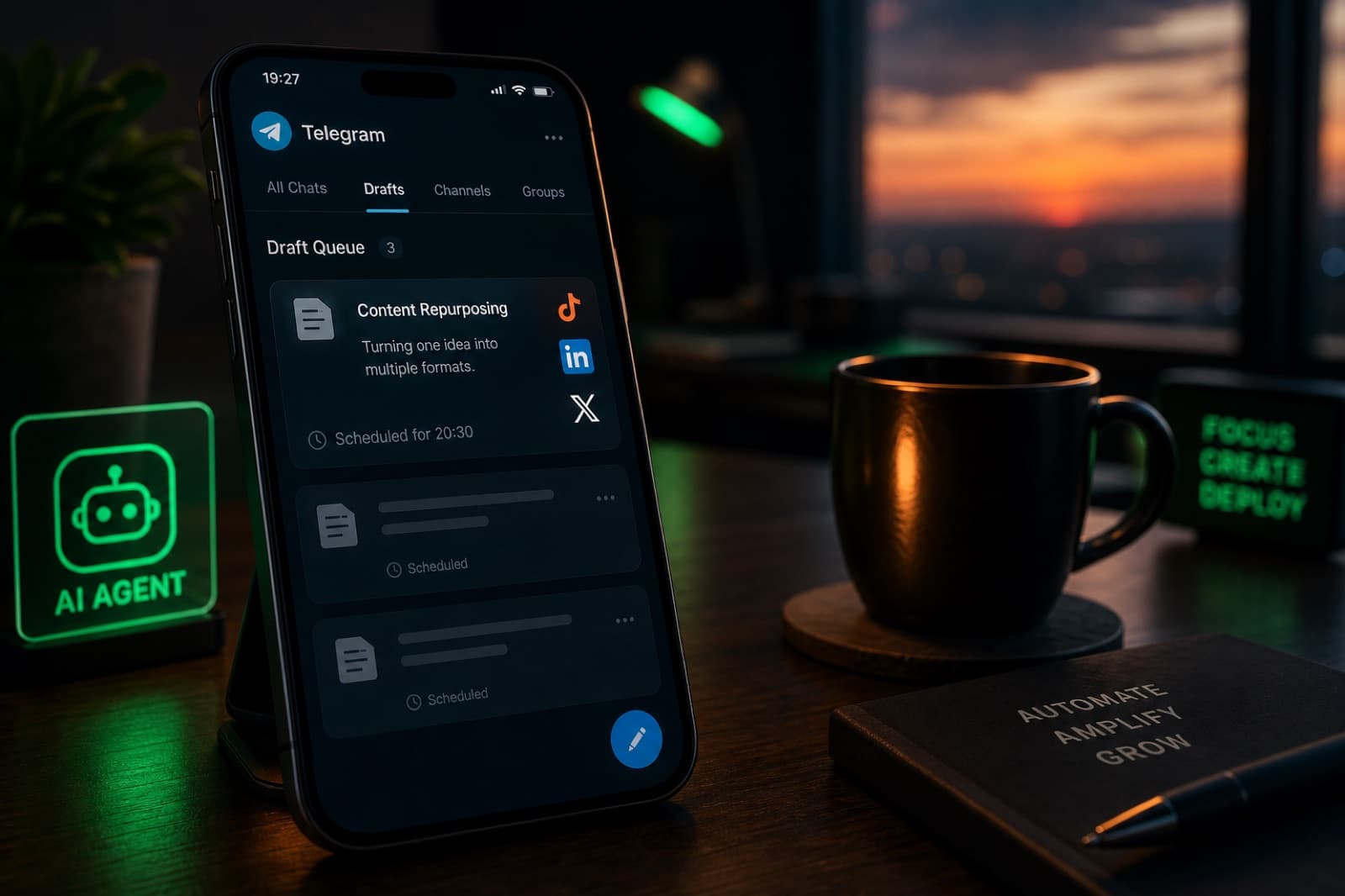
You Already Wrote the Long Piece. Stop Rewriting It Eight Times.
If you make one long thing a week - a YouTube video, a podcast episode, a paid newsletter, a blog post - you already know the drain. The long piece takes a day. Then you spend the next day cutting it into a LinkedIn post, an X thread, three TikTok scripts, an Instagram caption and a Threads reply, all in the tone each platform expects. That second day is the one that quietly ruins your week.
The industry has a name for this and a number attached to it. Solo creators who don't systematically repurpose burn about 20 extra hours a week writing single-platform content from scratch, and teams that repurpose save 60 to 80 percent of production time compared to writing every post standalone. The tools that promise to fix it start at real money. Blotato's Starter plan is $29 per month. Lately.ai runs from around $49 up to $199 per month once you cross into the Growth tier. FeedHive sits around €19 per month for the entry plan. If you want the video-to-clips angle too, the bill compounds.
If what you actually need is "take the thing I already wrote, draft six platform-specific variants in my voice, and hold them in a queue so I can approve them from my phone," you are paying a SaaS subscription for a job an AI agent on Telegram can do for the cost of a small VPS and your own model usage.
What Repurposing Actually Is (And Isn't)
Before automating anything, it helps to name the two workflows people call "repurposing":
- Video-to-clips. One long video becomes short vertical cuts for TikTok, Reels and Shorts. This is largely a rendering and editing job. Tools like OpusClip and Munch do it well, and pricing reflects the GPU cost.
- One-to-many text. One long piece (script, article, transcript, newsletter) becomes six to eight platform-specific text posts: X, LinkedIn, Threads, Instagram caption, TikTok script hook, Facebook, sometimes a Reddit draft, sometimes a Bluesky version.
This post is about the second workflow. It's the one that eats your Monday and Tuesday if you don't automate it, and it's the one that a text-first AI agent handles cleanly, because it's fundamentally a rewriting job with per-channel constraints, not an editing job.
The per-channel constraints matter more than they look:
- X posts stay under 280 characters for a free account, so a thread is really N × 280-character hooks, not one long paragraph split at commas.
- LinkedIn posts get up to 3,000 characters, but the visible portion above "…see more" is roughly the first 210. Your hook has to survive the fold.
- Threads rewards conversational cadence and short bursts, not the LinkedIn hook-body-CTA structure.
- TikTok captions technically allow 4,000 characters, but posts that keep it to 50-150 outperform the long ones. The value is in the video hook script, not the caption.
A model can hold all of these in a system prompt. What makes it feel like a real repurposing tool is the loop around it: your voice, your accounts, a draft queue, and an approval flow.

Why the Agent Layer Beats a One-Shot Prompt
You could open ChatGPT every Monday and paste your article with "give me an X thread, a LinkedIn post, three TikTok scripts and a Threads reply." It works. It just doesn't get better week over week.
An agent with persistent memory gets to keep four things a one-shot prompt loses every session:
- Your voice guide. A
SOUL.md-style file with the phrases you actually use, the ones you don't, the emoji rule, the em-dash rule, the "never say game-changer" rule. Every draft passes through it. - Per-account constraints. LinkedIn under 1,200 characters, X threads capped at 5 posts, TikTok hook must be a question, Threads caption avoids the word "founder." A memory file per platform.
- Post history. What landed last month, what got engagement, what got ignored. Fed back into the prompt so the drafts drift toward what actually performs.
- A draft queue that survives sleep. You come back Wednesday morning and last night's drafts are still there waiting, not scrolled off a chat.
That's the difference between "AI wrote my post" and "AI is running my repurposing workflow." The first is a productivity trick. The second is a system. And it happens to be a very natural fit for a Telegram agent, because Telegram is already where you check drafts, approve messages and forward URLs from your phone.
The Recipe: One Ingest, One Repurpose Skill, One Approval Loop
Keep the scope small. You do not need a scheduling tool that posts for you at 9am on Tuesday. You need drafts you trust, in a queue, on your phone. Once the drafts are good, hitting "post" in the native app takes ten seconds each.
Step 1: Feed the long-form to the agent
Three easy paths, pick whatever fits your workflow:
- Forward the YouTube URL or podcast RSS item to the agent on Telegram. The agent pulls the transcript with a
transcript-fetchskill. - Drop the article's markdown file into a folder the agent watches, via a
filesystemtoolset. - Paste the raw text into the chat.
The agent stores the source in a SOURCES/ folder in its memory, tagged with a slug and the publish date.
Step 2: The repurpose skill
One skill, one job. The prompt is small on purpose:
name: repurpose
description: >-
  Given a long-form source in SOURCES/, draft platform-specific
  variants for X, LinkedIn, Threads, Instagram, TikTok and Facebook.
  Apply voice rules from SOUL.md and per-platform limits from
  PLATFORMS.md. Save each draft to DRAFTS/<slug>/<platform>.md.
  Never post. Only draft.
That is the whole skill. The model reads the source, applies your voice guide and platform constraints, and writes seven files. Because the skill only writes to DRAFTS/, the "never post" boundary is enforced at the toolset level, not by trusting the model to behave.
Two things to make explicit inside PLATFORMS.md:
- The hook lives in the first line. Every platform truncates. Every draft has to earn the click in the first sentence.
- Don't reuse the exact same headline. The model's default is to copy your long-form title six times. Add a rule that each draft opens with a different angle, a stat, a scene, a question, a contrarian claim.
Step 3: Approve from Telegram
Once the drafts are in DRAFTS/, the agent posts them one by one to your Telegram chat as a queue. Each message is the draft with three buttons: approve, revise, or skip. Approved drafts go to DRAFTS/<slug>/approved/. Revisions get a follow-up message where you tell the agent what to change ("shorter hook," "cut the em dash," "make the last line punchier") and it rewrites in place.
You never leave Telegram. You never open a scheduling dashboard. Ten minutes on the train and Monday's whole content batch is approved and ready to copy-paste into each native app.
Why Not Just Buy Blotato or Lately?
Honest reasons.
Closed SaaS repurposing tools are trained on their own style models. They will draft in "LinkedIn thought-leader voice," "creator hook voice," "spicy X voice." That's fine for a while. It's also why every post on your feed sounds identical after six months of using the same tool. The style model absorbs everyone and averages them out.
An agent with your voice guide in a file you own does not do that. It drifts toward your patterns because those are the only patterns in the system prompt. When your voice changes, because you did a live event, because you shifted your audience, because you learned something, you edit the file, not wait for a vendor roadmap.
Two more practical differences:
- Ownership. The prompt, the skill, the draft history and the source archive are all on a machine you (or your host) control. If you cancel the SaaS tomorrow, you lose the entire history plus the trained style profile. If you cancel the agent tomorrow, you keep the folder.
- Scope. Repurposing is one skill on your agent. The same agent is running your Stripe MRR digest, reminding you about client follow-ups, and holding a memory of everything you've written. It's one integration surface, not seven.
What It Costs
Rough math for a solo creator publishing one long piece per week:
| Tool | Monthly cost | What you get |
|---|---|---|
| Lately.ai Growth | $199 | Long-form to social, style profile, scheduling |
| Blotato Starter | $29 | 8-in-1 remix workspace, 1,250 credits |
| FeedHive base | ~€19 | Automation triggers, smart scheduling |
| Hermes Agent + Hermify Starter | $19/mo + a few dollars in model usage | Repurpose skill, draft queue on Telegram, memory that stays yours |
You don't get the scheduling engine, and you don't get pre-built style profiles for other people's voices. You get one repurpose loop, in your voice, tied into the same agent that's already running the rest of your business.
For a small creator who wants to keep the money and the memory, that trade is usually the right one. Only about 35 percent of marketers actively repurpose across channels, and the gap is rarely "the tools aren't good enough." It's usually "will I still be opening this dashboard in six months." Something living inside Telegram, that pings you when the draft queue is ready, is much harder to abandon.
Getting Started
The full setup:
- Write a first pass of
SOUL.md, the phrases you use, the ones you never use, the rules you keep breaking. - Write
PLATFORMS.mdwith per-channel character limits and hook rules. - Add a
repurposeskill scoped toread: SOURCES/andwrite: DRAFTS/. - Wire the agent's Telegram bot to send draft cards with approve, revise and skip buttons.
- Forward one long-form URL and watch the queue arrive.
If you want the whole runtime, the Telegram bot, and the persistent memory hosted for you, get started with Hermify on the Starter plan. You bring your own model key, we run the agent, the cron and the bot on our infrastructure. The SOUL.md and PLATFORMS.md files live in memory storage that stays yours, so if you leave, you take them with you.
Content repurposing is one of the clearest wins for an AI agent because it's high-frequency, high-frustration, and completely mechanical once your voice is codified. Get the voice guide right once and the second day of every week comes back.
Sources
- Content Repurposing Statistics 2026: ROI Impact, Time Savings & Multi-Platform Distribution Data - AutoFaceless
- 94% of Marketers Repurpose Content: Solo Creators Who Don't Are Burning 20 Extra Hours a Week - 60 Minute Apps
- 7 Best Social Media Automation Tools in 2026 - Blotato
- Lately Pricing 2026: Plans, Costs & Value Analysis - SocialRails
- Social Media Character Limits 2026: Complete Platform Guide - TypeCount
- 9 Best AI Content Repurposing Tools in 2026 - Blotato
Run Your Own Hermes Agent
Bring your API key, connect Telegram, and get a self-improving AI agent live in 60 seconds.
Get Started