How to Create a Custom Hermes Agent Skill
A hands-on tutorial for writing a Hermes Agent SKILL.md from scratch: YAML frontmatter, the five sections that matter, and how to test it.
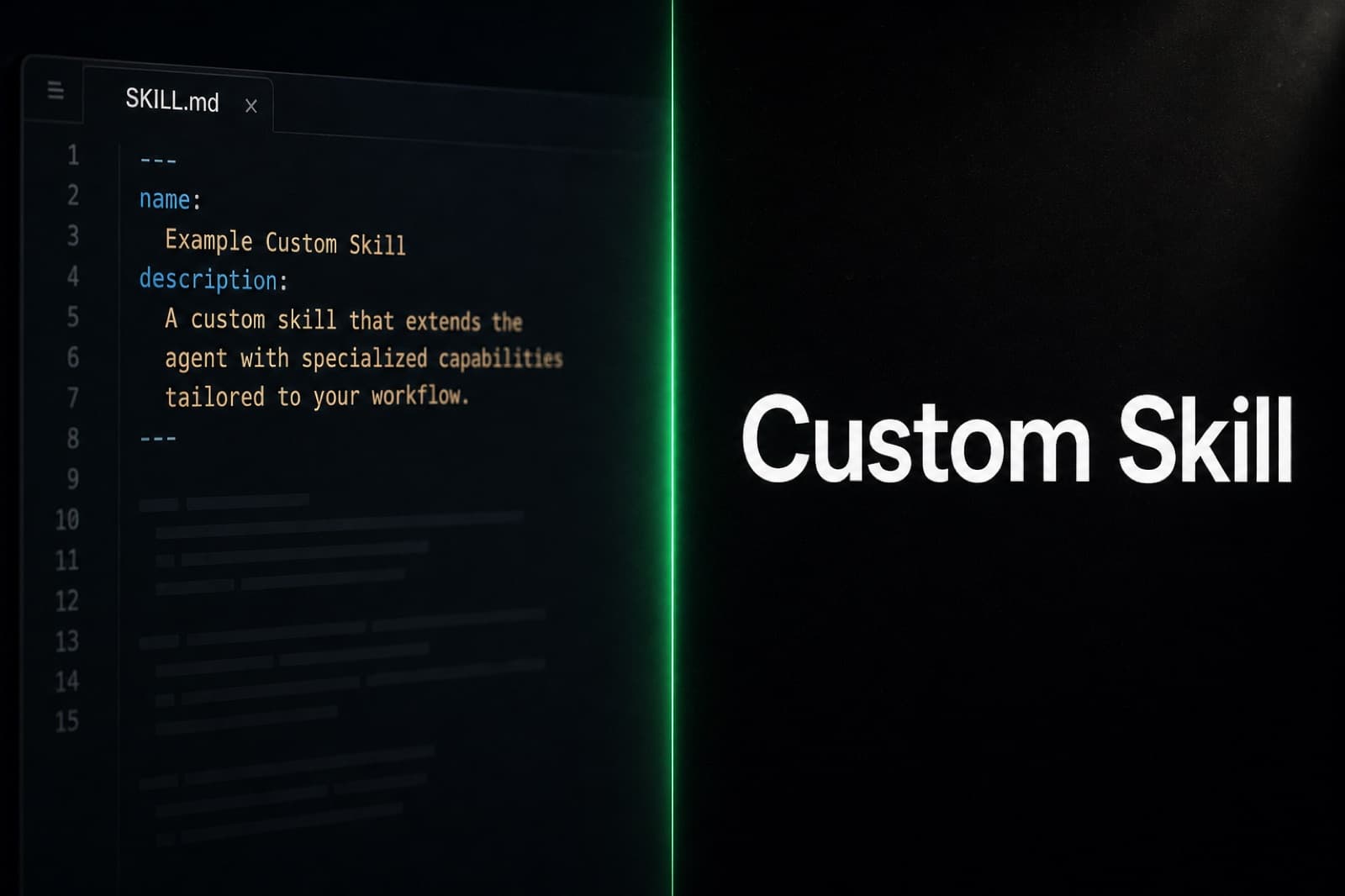
A skill is the smallest unit of behavior you can teach Hermes Agent without changing its source code. It is one folder, one markdown file, and a short YAML header. The official Nous Research docs describe the format as "portable because it is simple", and a custom skill takes under five minutes to write once you know the shape.
This guide walks through that shape end to end. You will see where skills live on disk, what the SKILL.md header must contain, which sections the agent actually reads at runtime, how to wire in secrets through required_environment_variables, and how to verify the skill loaded correctly. The result is a skill you can drop into ~/.hermes/skills/ and use the same day.
Where Skills Live and How Hermes Finds Them
Hermes stores skills as plain folders inside ~/.hermes/skills/. Bundled skills are copied there during installation, and any custom skill you add registers immediately on the next restart. The directory layout is flat:
~/.hermes/skills/
├── backup-check/
│   └── SKILL.md
├── invoice-followup/
│   └── SKILL.md
└── stripe-mrr-digest/
    ├── SKILL.md
    └── helper.py
The folder name is the skill id. Hermes auto-discovers every folder on startup and reads each SKILL.md. The description field in the YAML frontmatter is what the agent matches against your message at runtime, so write it for the agent, not for a human reader. If the description does not describe the trigger condition clearly, the skill will not fire when you expect it to.
A skill can include extra files in its folder - a Python helper, a SQL template, a checklist text file. Hermes does not run them automatically. They are there for the agent to read or execute when the procedure tells it to.

The SKILL.md File Format
Every skill is one markdown file. The YAML header at the top is the metadata block, and the markdown body is the instruction set. Here is a minimal skeleton you can copy:
---
name: backup-check
description: Verify nightly backup archives exist, are non-empty, and pass a quick checksum spot-check on the latest file.
version: 0.1.0
author: [email protected]
required_environment_variables: []
required_credential_files: []
---
The fields that matter on day one:
name- matches the folder name. Kebab-case, no spaces.description- a single sentence Hermes uses to decide when to load the skill. Be specific about the trigger condition ("when the user asks about X", "before running Y").version- free-form, but treat it like semver so you can bump it as the prose evolves.required_environment_variables- an array of secret names that must be set before the skill can run. The agent prompts for these on first activation and writes them to.env.required_credential_files- paths to OAuth tokens or service-account JSON files that need to mount into the sandbox.
Optional fields worth knowing about: platforms (an array of macos, linux, windows if the skill only works on some), requires_toolsets to only show the skill when certain toolsets are loaded, and fallback_for_toolsets for the opposite. Skill-level configuration lives in metadata.hermes.config and ends up under skills.config in your config.yaml for non-secret preferences like paths or domain settings.
The Five Sections That Actually Get Read
Below the frontmatter, the markdown body is prose. Hermes does not require any specific section, but a five-part structure has emerged from the official "Working with Skills" guide and from authoring posts on dev.to and glukhov.org. The agent rewards it because each part answers a different runtime question.
When to Use
A short paragraph that disambiguates this skill from other skills the agent might pick. If you have a skill called invoice-followup and another called client-update, "when to use" is what stops the agent from firing the wrong one.
Quick Reference
A bulleted list of the commands, paths, or constants the procedure depends on. The agent reads this before the procedure to load context. Put your file paths, your S3 bucket name, your env-var names, your destination Telegram chat id here.
Procedure
The numbered steps the agent should follow. Write them as imperative instructions ("run X", "if the response contains Y, do Z"). The agent treats this section as a recipe and will quote or paraphrase steps back to you as it executes.
Pitfalls
The traps you already know about. Rate limits, silent failures, timezone bugs, the one customer whose data is shaped weirdly. The agent reads these as guardrails and refuses or warns when it sees the conditions.
Verification
How the agent confirms it did the right thing. A grep, a curl, a checksum, a "show me the last line". Verification is what turns a skill into something you can leave running.
Wiring In Secrets and Credentials
If your skill talks to an API, declare the secret in required_environment_variables:
required_environment_variables:
  - STRIPE_RESTRICTED_KEY
  - SLACK_WEBHOOK_URL
The first time the skill activates, the agent asks you for each value and writes them to the project .env. They then pass into sandboxes (Docker, Modal, ephemeral runners) automatically. Never hardcode a key in the prose - the agent will paste it back during execution and burn the secret in a log somewhere.
For OAuth tokens or service-account JSON files, use required_credential_files:
required_credential_files:
  - ~/.config/gcloud/application_default_credentials.json
These mount into the sandbox as read-only volumes. The agent does not parse them; it just makes sure they are present before the procedure runs.
How Hermes Auto-Extracts Skills From Conversations
You can also let Hermes write skills for you. After a complex task that involved five or more tool calls, the skill_manage tool captures the successful pattern and writes a reusable skill into ~/.hermes/skills/. The agent analyzes the conversation, picks the reusable workflow, and emits a SKILL.md with a procedure that mirrors what it actually did.
This is the same mechanism that makes Hermes feel like it gets sharper over time. The persistent memory layer remembers what you talked about; the auto-extracted skills remember how it solved a problem. The two layers are explained in more depth in our post on Hermes Agent memory and skills.
The first few auto-extracted skills are usually 80 percent of what you want and 20 percent off. Open the SKILL.md, tighten the description, prune any steps the agent only ran by accident, and bump the version. You now have a hand-edited skill that fires reliably.
Testing a Skill End to End
Once the SKILL.md is in place, restart Hermes (or run hermes skill reload if your build supports it). Then run three checks:
- Ask Hermes to list its skills. The new skill should appear by name with the description you wrote.
- Send a message that matches the trigger condition. The agent should announce it is using the skill before doing anything.
- Run the verification step manually. If your skill writes a file, check the file. If it posts to a webhook, check the webhook.
If the skill does not load, the YAML is the usual culprit. A stray tab character or an unquoted colon will silently break the frontmatter parser. Hermes logs a parse error on startup; check the agent's stderr the first time you reload.

Skip the Plumbing With Managed Hermes
A custom skill is a markdown file, but running Hermes itself is not. You need a host, a model provider key, a Telegram bot or web UI, a backup story for the skills directory, and a way to test changes without breaking your live agent.
Hermify is managed Hermes Agent hosting that handles all of that. Your skills directory persists across restarts, the model keys live in encrypted at-rest storage, and you can pair the custom skills you write here with the MCP integrations Hermes already speaks. Get started with Hermify and your first custom skill can be running on a real agent in under five minutes.
Sources
- Working with Skills - Hermes Agent docs (Nous Research)
- Skills System - Hermes Agent docs (Nous Research)
- What Are Hermes Agent Skills? A Complete 2026 Guide (Hostinger)
- Hermes Agent Skill Authoring - SKILL.md Structure and Best Practices (Glukhov)
- Hermes Agent Skills: How to Create and Manage Custom Skills (Remote OpenClaw)
- Hermes Agent Custom Skill Tutorial: From SKILL.md to Skills Hub (Fastio)
Run Your Own Hermes Agent
Bring your API key, connect Telegram, and get a self-improving AI agent live in 60 seconds.
Get Started