Hermes Agent and MCP: One Protocol for Every Tool
How Hermes Agent uses the Model Context Protocol to plug into hundreds of external tools without custom integrations, and how to add your own.
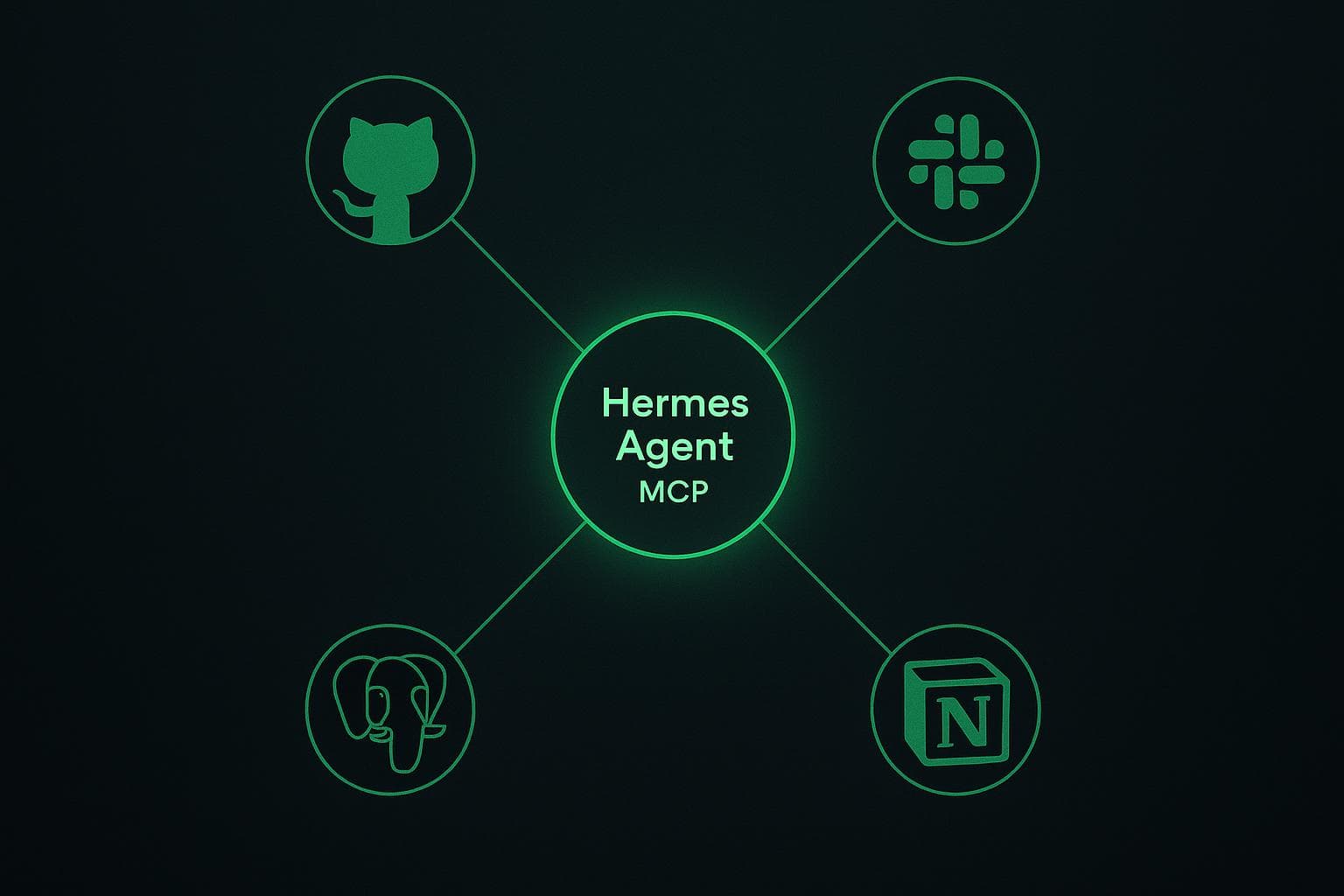
Why MCP Matters for Hermes Agent
For years, every AI assistant had to ship custom code for every tool it wanted to use. GitHub needed a GitHub integration. Slack needed a Slack integration. Postgres needed a database adapter. The work compounded with each new tool, and most of it was thrown away when the underlying API changed.
The Model Context Protocol (MCP) replaces that pattern with a single open standard. An MCP server exposes a tool, a data source, or a prompt template in a uniform way. Any MCP-aware agent can connect to it without writing new integration code. The ecosystem has grown from roughly 500 servers at the end of 2025 to between 10,000 and 12,000 public servers a year later, and the protocol now passes more than 97 million SDK downloads a month.
Hermes Agent is MCP-native. Out of the box it can connect to any MCP server you point it at, which means the agent does not have a fixed tool catalog. The tools you give it are the tools it has.
What MCP Actually Is
MCP was introduced by Anthropic in late 2024 and adopted by OpenAI, Google, Microsoft, AWS, and Cloudflare during 2025. It is best described as the "USB-C for AI" - one cable, one shape, many devices.
The protocol defines three primitives:
- Tools are executable functions the model can call. "Read this issue," "post this message," "run this query." The model decides when to invoke a tool.
- Resources are structured pieces of data the application can pull into the context window. A file, a database row, a calendar event. The host application decides which resources to load.
- Prompts are reusable instruction templates that the user can invoke, similar to slash commands. The user decides which prompt to trigger.
An MCP server is just a process that speaks this protocol. It can run locally, on a different machine, or as a remote service. The transport is JSON-RPC over stdio, HTTP, or WebSockets depending on the implementation.
How Hermes Agent Uses MCP
Hermes Agent acts as an MCP host. When you start a Hermes runtime, it reads your MCP configuration, launches each configured server, and exposes the resulting tools, resources, and prompts to the model on every turn.
This is the mechanism behind Hermes Agent's claim of "40+ tools out of the box." None of those tools are hardcoded into the agent. They are MCP servers that ship in the default configuration: a filesystem server, a shell server, a web search server, a memory server, and so on. You can remove any of them, swap them for community alternatives, or add new ones, and the agent picks up the change on restart.

The benefit is composability. If a new MCP server appears tomorrow for a tool you care about - Linear, Figma, your internal billing system - you do not need a new Hermes release. You add the server to your configuration and the agent starts using it.
The MCP Servers Worth Knowing About
The Model Context Protocol project maintains a small set of official reference servers and points to a much larger directory of community-maintained ones. The ecosystem is broad enough that for most off-the-shelf SaaS tools, an MCP server already exists.
Categories you can plug Hermes Agent into today:
- Source control: GitHub, GitLab, Git, Bitbucket
- Communication: Slack, Discord, Microsoft Teams, email
- Knowledge bases: Notion, Confluence, Linear, Jira
- Databases: Postgres, SQLite, MongoDB, BigQuery
- Cloud platforms: AWS, Cloudflare, Vercel
- Files and search: filesystem, Google Drive, Brave Search, Puppeteer
- Custom internal tools: anything you wrap with a small MCP server in Python or TypeScript
The two main directories worth bookmarking are the official modelcontextprotocol/servers repository on GitHub and the curated awesome-mcp-servers lists. Between them you can usually find a maintained server for whatever you need, often with a one-line install.
Connecting an MCP Server to Hermes Agent
Adding an MCP server to a self-hosted Hermes Agent comes down to a small JSON entry. The exact path depends on your deployment, but the configuration shape is universal:
{
  "mcpServers": {
    "github": {
      "command": "npx",
      "args": ["-y", "@modelcontextprotocol/server-github"],
      "env": {
        "GITHUB_PERSONAL_ACCESS_TOKEN": "ghp_..."
      }
    },
    "postgres": {
      "command": "uvx",
      "args": ["mcp-server-postgres", "postgres://user@host/db"]
    }
  }
}
After restart, the agent introspects each server, learns what tools it exposes, and adds them to the model's available actions. You can verify the connection by asking the agent something tool-specific, for example "list the open issues on the repo" or "show me the schema of the users table."
For Hermify-hosted plans, the MCP configuration is exposed through the dashboard. You select an MCP server from the catalog or paste a configuration block, the platform restarts the runtime, and the tool is available in the next message. For more on what we run in production, see how Hermes Agent memory and skills sits alongside the MCP layer.
MCP vs Custom Integrations
It is worth being explicit about the trade-off, because some teams still ask whether they should build a bespoke integration instead of using MCP.
| Concern | Custom integration | MCP server |
|---|---|---|
| Time to first tool call | Days to weeks | Minutes |
| Reuse across agents | None | Any MCP host |
| Maintenance when API changes | You own it | The server maintainer owns it |
| Granular control | Total | Limited to what the server exposes |
| Auth pattern | Anything | Token or OAuth, depends on server |
The right default is to use an existing MCP server when one exists, and only build a custom one when you need behavior the available servers do not offer. Even then, the custom thing you build should usually be an MCP server, not a Hermes-specific plugin. That way it works with Claude Desktop, ChatGPT, Cursor, and whatever agent shows up next.

Practical Patterns
A few habits that have held up over the last year of running Hermes Agent with MCP:
Start with the minimum viable set of servers. Every MCP server expands the model's tool list, and a longer tool list reliably degrades selection accuracy. Keep the active set small and add servers as you discover the agent actually needs them.
Scope credentials per server. Each MCP server takes its own credentials. Use a least-privileged token for each one - a read-only Postgres user, a fine-grained GitHub token scoped to a single repo - so a misbehaving server cannot do more than it needs to.
Treat your MCP config like infrastructure. Check it into a private repo, review changes, and roll it out the same way you would a Terraform change. The agent's behavior follows directly from this file.
Audit what the agent invokes. Hermes Agent logs every tool call. Skim the logs weekly to see which servers are actually used. The ones that never come up are noise; remove them.
If memory and skills are what make Hermes Agent valuable to keep running, MCP is what makes it valuable to extend. The two stack: memory remembers what was useful last time, skills capture the recurring procedures, and MCP gives the agent the raw tools to act on the world. Together they turn Hermes from a chat interface into something closer to a small autonomous coworker.
Get started with Hermify and your MCP servers are ready to wire up from the dashboard, with the runtime, persistence, and credentials handled for you. If you want to compare how this looks against a framework approach, Hermes Agent vs LangChain walks through the same problem.
Sources
Run Your Own Hermes Agent
Bring your API key, connect Telegram, and get a self-improving AI agent live in 60 seconds.
Get Started