Hermes Agent Telegram Not Responding: Fast Fixes
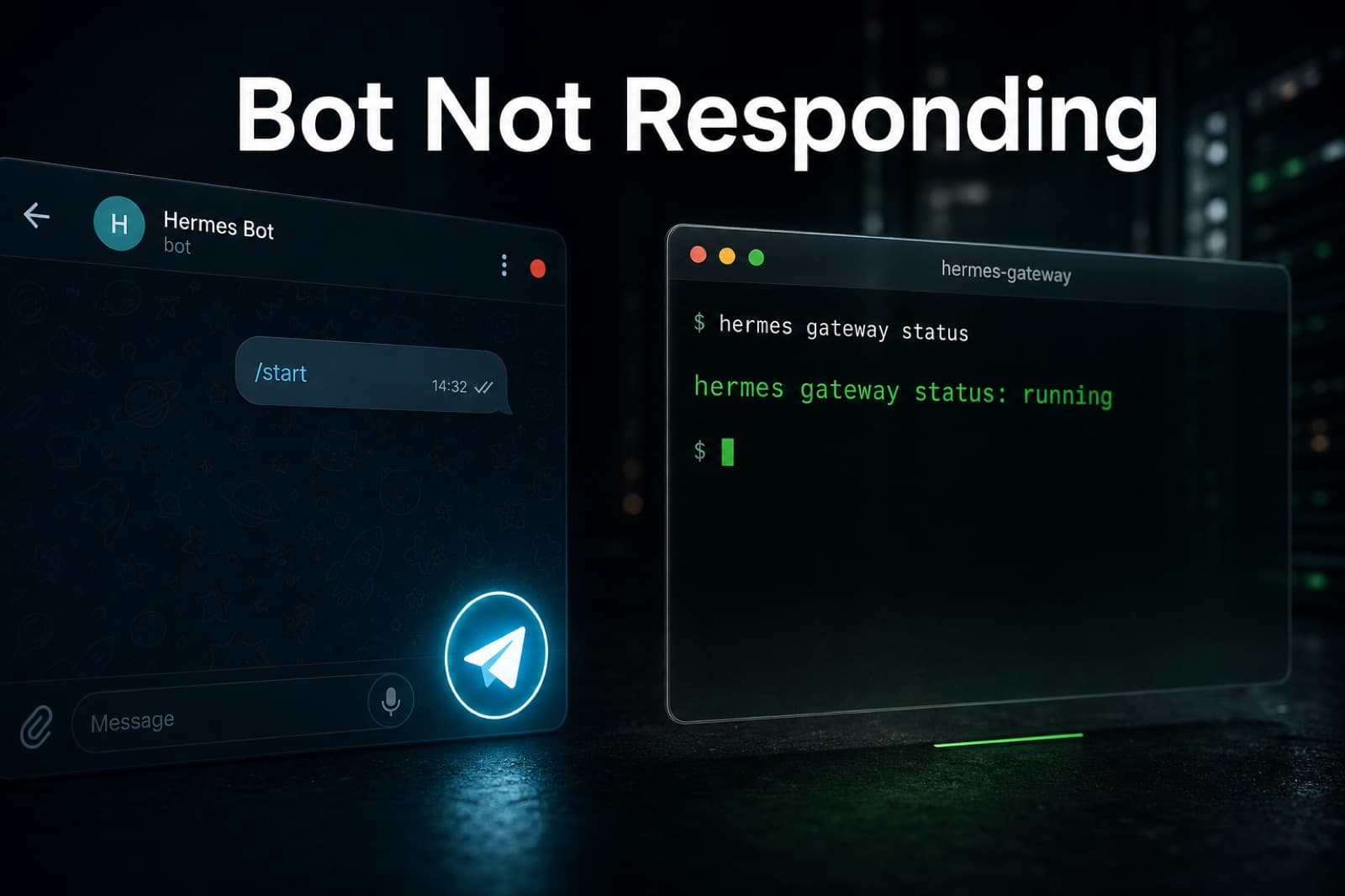
Your Hermes Agent Telegram bot went quiet. Walk the layered checks that fix the top causes: allowed-users, revoked token, 409, privacy mode, dead gateway.
The Bot Was Working, and Now It Is Not
You send a message. Nothing comes back. The bot is still in your chat, its avatar is still there, but the reply never arrives. This is the single most common Hermes Agent Telegram issue, and the reason people spend an hour on it is almost always the same: they start guessing at the fix before they know which layer broke.
Hermes on Telegram is really three things stacked. The Hermes agent process (thinking and tools). The Hermes gateway (long-polling Telegram). And Telegram itself (BotFather config, allowed users, privacy mode). When the bot goes silent, the failure lives in exactly one of those layers, and the fastest path back is to isolate which one before touching anything.
This guide walks the checks in the order that actually catches the top causes fastest. If you followed the broader Telegram troubleshooting guide already, this one is the shorter, symptom-first version for the specific "no reply at all" case.
Check 1: Is Your User ID Actually on the Allowed List
Nine times out of ten this is it. Hermes will not respond to anyone whose numeric Telegram ID is not in telegram_allowed_users. The bot receives the message, the gateway routes it, and Hermes then silently drops it. From your side it looks identical to a dead bot.
Two things go wrong here:
- You put
@usernameinstead of the numeric ID.@usernameis not what Hermes wants. Send/startto@userinfobotin Telegram, copy the number it replies with, and use that. - You added a new user after the last restart and never reloaded the config. Hermes reads
telegram_allowed_usersat startup. Change it, restart the gateway.
The config lives in config.yaml:
telegram_allowed_users: "123456789,987654321"
If you are on Hermify, the equivalent field is in your dashboard credentials form.
Check 2: Prove the Gateway Is Actually Running
Before blaming Telegram, prove the gateway is up.
hermes gateway status
If it is not running, that is your bug. Start it:
hermes gateway start
If it is running but the bot is still silent, tail the log while sending a test message:
tail -f ~/.hermes/logs/agent.log
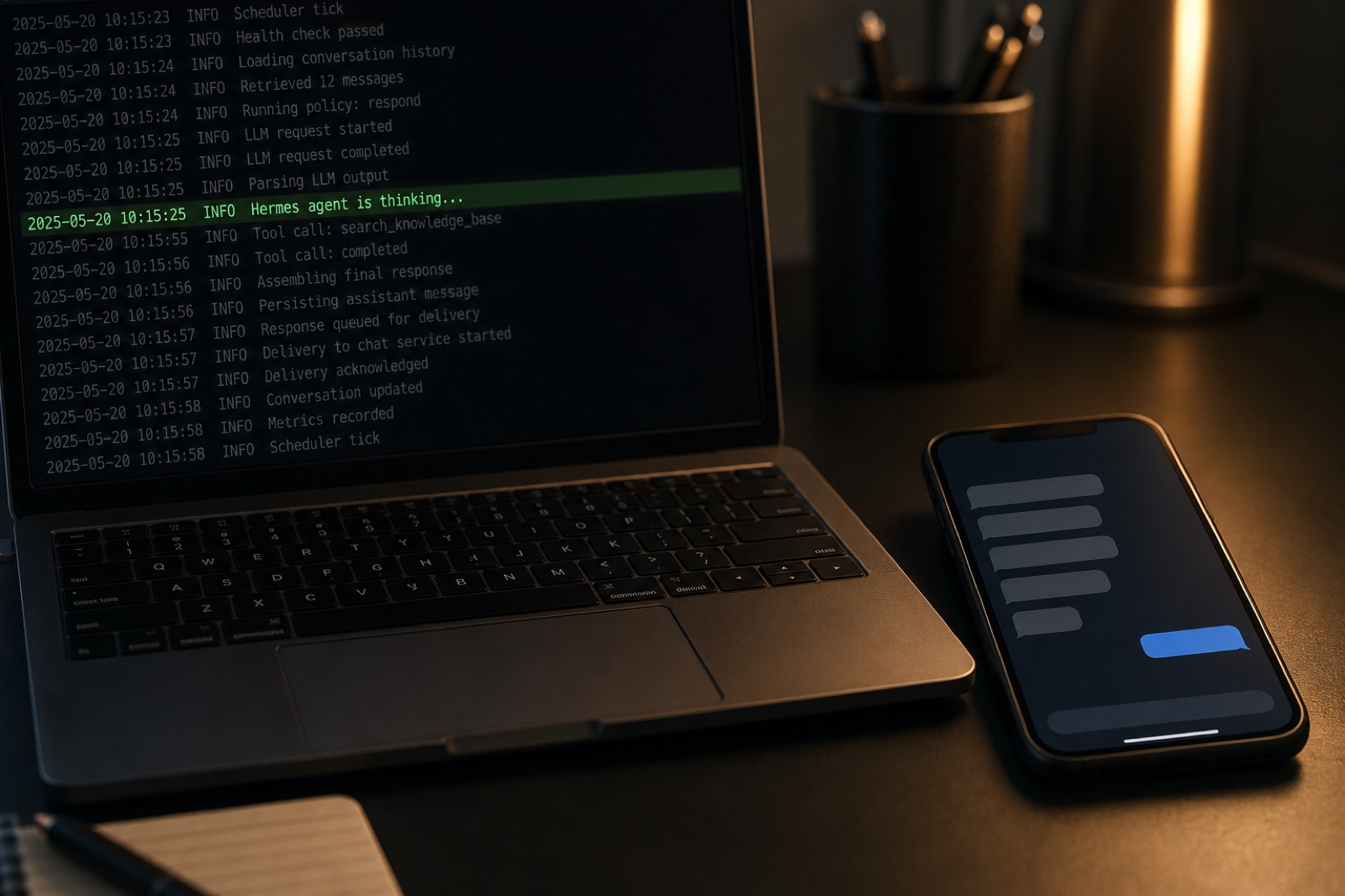
You are looking for one of three things. A "message received" line means the gateway is doing its job and Hermes is silently dropping the message (back to Check 1). A "409 Conflict" line means two processes are polling the same token (see Check 4). Nothing at all means the gateway is not reaching Telegram (see Check 5).
Check 3: Is the Bot Token Still Valid
BotFather lets you revoke tokens and it is easy to revoke one from a stale test bot, forget, and wonder why nothing works.
Open Telegram, message @BotFather, send /mybots, pick your bot, tap API Token, and compare the string it shows against the one in your Hermes config. They must match character for character. If they do not, either paste the current one into Hermes and restart, or press Revoke current token in BotFather to generate a new one and paste that instead.
An invalid token surfaces as an "Unauthorized" error in the Hermes log at startup. If you see that error, it is always the token.
Check 4: Are Two Processes Polling the Same Bot
The Telegram Bot API allows exactly one long-poll consumer per bot token. If two processes call getUpdates at the same time, Telegram returns "409 Conflict: terminated by other getUpdates request" and updates start going to whichever process wins each cycle, or to neither. From your side, the bot looks like it is dropping every second message.
The most common way this happens is not exotic:
- A systemd unit runs Hermes and you also started a Hermes session by hand in tmux.
- You are testing a dev bot on your laptop but the production instance is running the same token.
- You spun up a background worker and forgot the old container is still up.
Find the duplicate:
ps aux | grep -E 'telegram|hermes' | grep -v grep
Kill the one you did not mean to keep, then restart the survivor. The 409s stop within seconds because Telegram releases the stale long-poll session as soon as the losing client disconnects.
Check 5: Group Chat Silence Is Usually Privacy Mode
If the bot works in a direct message but not in a group, the culprit is almost always Telegram's bot privacy mode, not Hermes.
Privacy mode is on by default for every new bot. It means the bot only sees messages that mention it directly, that reply to one of its messages, or that come through as commands. Ordinary chatter in the group never reaches your Hermes gateway.
Two ways to fix it:
- Make the bot a group admin. Admin bots see everything, and this is the least surprising option.
- Disable privacy mode. In BotFather send
/setprivacy, pick the bot, choose Disable. Then remove the bot from the group and re-add it. Privacy mode changes only take effect on the next add.
If you are running the bot in a forum topic or thread, also confirm your Hermes config's allowed_chats and topic IDs cover that specific thread. A bot with permission to speak in the general channel will still be silent in an operations thread if that topic ID is not on the list.
Check 6: Your Network Is Killing the Long-Poll
If the bot responds once at start, then goes silent for exactly the same duration every time before reviving, your network is closing the idle long-poll before Telegram can push an update on it. Consumer routers, cheap VPS hosts, and corporate networks do this a lot with NAT idle timeouts.
Turn on debug logs and watch:
export HERMES_LOG_LEVEL=debug
hermes gateway restart
Repeated "connection reset" entries at a fixed interval confirm the diagnosis. Shorten Hermes's poll timeout so it reconnects more often than your network's idle timeout:
hermes config set messaging.telegram.poll_timeout 30
Default is 60. Drop it to 30 or lower and the reset problem goes away, because you finish and re-open the long-poll before the network gets bored of it. This is the same root cause behind a lot of "works locally, breaks after deploy" stories on cheap infrastructure.

Check 7: The Agent Loop Crashed Silently on a Provider Error
The gateway is up, the token is fine, the allowed list is right, but replies still never arrive. Check the log for a model provider error near the last successful reply. Rate limit hits, quota exhaustion, and 5xx responses from the LLM provider can crash the agent loop on some Hermes versions without restarting it. The gateway keeps polling, receives your new message, hands it off, and there is nothing on the other end to answer.
The fix is a restart plus checking your provider dashboard for the underlying issue. If you are on the free tier of a provider and hit your daily quota mid-conversation, the bot will look "not responding" until the quota window rolls over. Move to a paid tier or swap providers via your Hermes config to a different backend, then restart the gateway.
A Two-Minute Diagnostic Order That Works
When you are in a hurry, walk this order and you will land on the cause in under two minutes on every real case we have seen:
hermes gateway status- is it up?tail -f ~/.hermes/logs/agent.log- does a fresh message even reach Hermes?- If yes, check
telegram_allowed_users. - If no, look for "409 Conflict" (duplicate poller) or "Unauthorized" (revoked token) in the log.
- If none of the above, and the bot is silent only in groups, it is privacy mode.
- If none of the above, and it goes silent on a clock, it is your network's idle timeout.
- If none of the above, and it went silent after being fine, it is a provider crash upstream.
Skip the Debugging Loop Entirely
Every check above exists because Telegram, the gateway, Hermes, and your provider are four moving parts that can fail independently. When they all live on your infrastructure, you are the one paging yourself every time one of them slips.
Hermify is a managed Hermes Agent on Telegram. Your bot token, allowed-users list, and provider key go into the dashboard once. The gateway, restarts, log capture, and reconnect logic are on us. When something upstream misbehaves, the status card in the dashboard tells you which layer, and a single click restarts it. You never open ~/.hermes/logs/agent.log again unless you want to.
Get started with Hermify and put the bot back online in about a minute, with memory that stays yours.
Sources
Run Your Own Hermes Agent
Bring your API key, connect Telegram, and get a self-improving AI agent live in 60 seconds.
Get Started