Hermes Agent vs OpenClaw Migration Guide
Thinking about leaving OpenClaw for Hermes Agent? This guide compares the tradeoffs, explains what migrates, and shows the safest path.
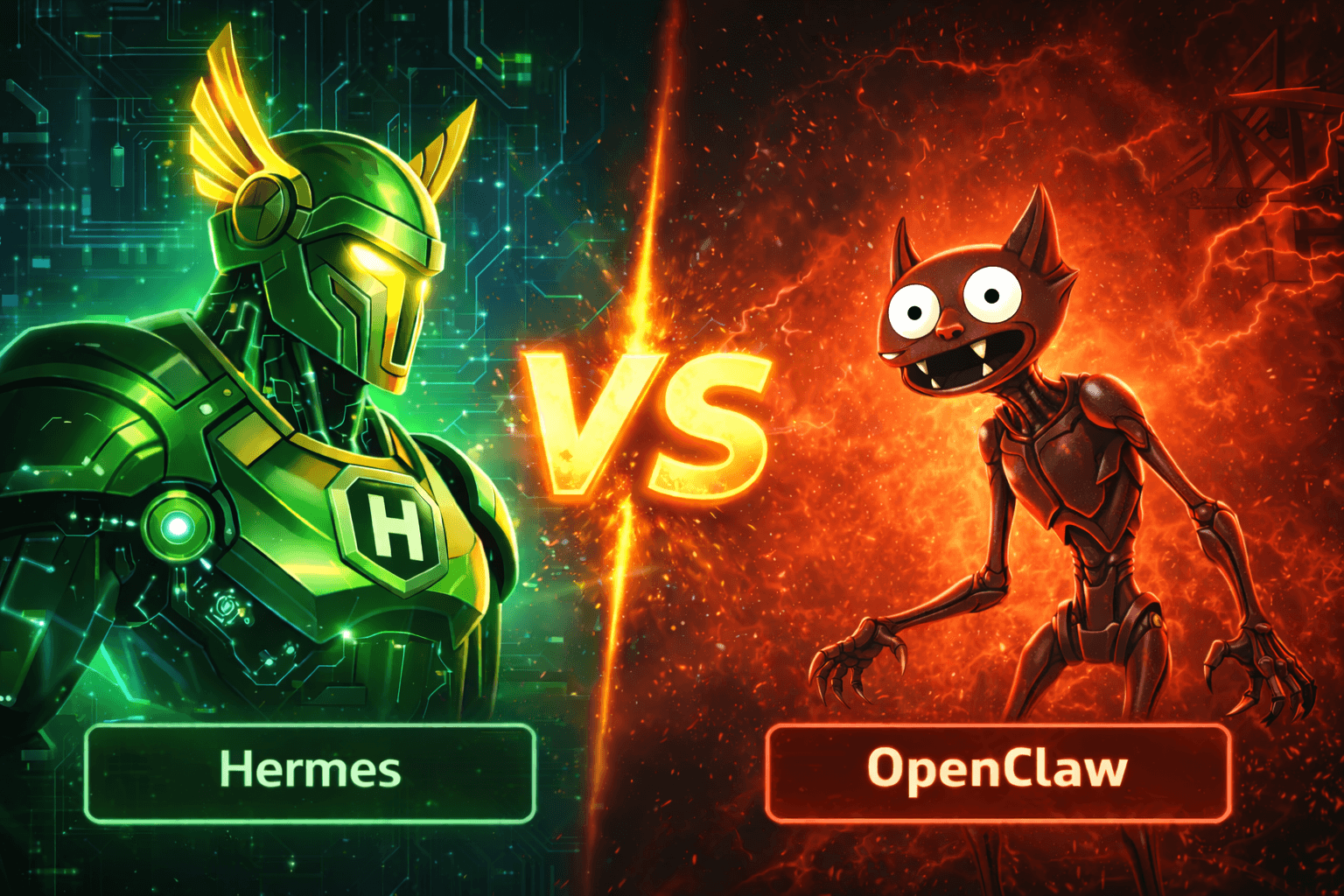
OpenClaw Is Bigger. Hermes Is More Focused.
If you are using OpenClaw today, you are not choosing between a serious project and an experiment. As of April 12, 2026, the OpenClaw GitHub repository shows 356k stars and the latest release openclaw 2026.4.11, while the Hermes Agent repository shows 65.5k stars and Hermes Agent v0.8.0 released on April 8, 2026. Both are active. Both are credible. The question is not which one is "real". The question is which one fits the way you want to work.
OpenClaw is the larger, more mature surface. Its official docs position it as a personal AI assistant that runs across a very wide set of channels and devices, with a browser Control UI, onboarding flows, plugins, companion apps, and a broad gateway model. Hermes Agent takes a different stance. Nous describes it as "the agent that grows with you", with persistent memory, auto-generated skills, and a tighter opinion around long-term agent behavior.
That difference matters if you are considering a migration. You are not just swapping one CLI for another. You are deciding whether you want a broad assistant platform or a more opinionated agent runtime.
This guide is for the second case: you already know OpenClaw, and you want to move to Hermes without losing the things that matter.
When Moving To Hermes Makes Sense
Hermes is a good move if most of these sound true:
- You want the agent experience to center on memory, profiles, skills, and long-running behavior rather than a browser dashboard.
- You like the idea of an agent that accumulates context over time through persistent memory and auto-generated skills.
- You mainly use one or two messaging surfaces, such as Telegram, instead of a very wide multi-channel setup.
- You want an official migration path instead of manually re-creating prompts, memory files, provider credentials, and Telegram settings.
Hermes now has that official path. The docs include both a dedicated migration guide and the hermes claw migrate command in the CLI reference. That is the biggest reason this migration is worth discussing seriously in 2026. A year ago, the switching cost would have been too high for most users.
OpenClaw is still the better fit if the browser Control UI is core to how you work, if you depend on its broader plugin and companion-app ecosystem, or if your current setup spans many messaging surfaces and custom gateway behaviors. OpenClaw's docs are explicit that the platform supports a large list of channels and a Control UI served from the gateway. If that breadth is the product for you, migrating just because Hermes is newer would be a downgrade.

What Actually Changes After The Switch
The most important practical change is interface philosophy.
OpenClaw's getting-started flow is built around installation, onboarding, checking gateway status, and opening the dashboard in your browser. The docs say you can go from zero to a working chat in about five minutes, with the Control UI as the fastest way to start. Hermes, by contrast, pushes you first toward the CLI and setup flow, then toward the gateway only if you want messaging platforms.
That makes Hermes feel more like an agent runtime and OpenClaw feel more like an assistant platform.
The second big change is memory. Hermes' official docs give memory a much more central role, with built-in MEMORY.md and USER.md support plus multiple external memory provider integrations. If you want long-term recall and structured memory to be a first-class part of the system, Hermes is clearly leaning into that direction. OpenClaw absolutely supports workspace prompts, skills, sessions, and agent state, but Hermes is investing more visibly in the idea that the agent should evolve across sessions.
The third change is scope. OpenClaw has more surface area. That is a strength, but it also means more moving parts. Its official docs cover gateway auth modes, Control UI origin rules, plugin installation, mobile and macOS companion experiences, and a wide messaging matrix. Hermes is narrower and more opinionated. For many users, that is exactly why it is attractive.
What Hermes Migrates For You
The official Hermes migration guide is surprisingly thorough. hermes claw migrate reads from ~/.openclaw/ by default and can also detect legacy ~/.clawdbot/ and ~/.moldbot/ directories. There is a --dry-run mode to preview changes, a --preset full mode for a complete migration, and a --workspace-target flag if you want workspace instructions copied into a specific project.
More importantly, the migration is not limited to a few cosmetic files. The guide documents support for:
- Persona and workspace instructions such as
SOUL.mdandAGENTS.md - Long-term memory from
MEMORY.md,USER.md, and daily memory files - Provider API keys, if you allow secrets to be migrated
- Agent behavior settings such as reasoning effort, verbose mode, time zone, compression, terminal timeout, and Docker backend settings
- Session reset policies
- MCP server definitions
- TTS configuration
- Messaging platform tokens including Telegram where the values can be resolved from config or
.env
This is the key point: you do not have to rebuild your agent from scratch.
At the same time, Hermes is honest about what does not map cleanly. The migration guide archives items with no direct equivalent into ~/.hermes/migration/openclaw/<timestamp>/archive/ for manual review. That archive can include things like IDENTITY.md, cron configuration, plugins configuration, hooks, UI identity settings, logging configuration, and multi-agent lists. That is the right design. It avoids pretending that two systems with different product philosophies are one-to-one compatible.
What To Inventory Before You Migrate
Before you run anything, make a quick inventory of the parts of your OpenClaw setup that matter most. This takes five minutes and usually saves an hour of cleanup later.
| OpenClaw asset | Hermes destination | What to watch for |
|---|---|---|
workspace/SOUL.md |
~/.hermes/SOUL.md |
Direct copy |
workspace/AGENTS.md |
AGENTS.md in your target workspace |
Requires --workspace-target |
workspace/MEMORY.md, USER.md, daily memory files |
~/.hermes/memories/ |
Merged and deduplicated |
| Workspace and shared skills | ~/.hermes/skills/openclaw-imports/ |
Resolve name conflicts carefully |
| Provider API keys | ~/.hermes/.env |
Only if you migrate secrets |
| Telegram token and allowed users | Hermes .env variables |
Restart the Hermes gateway after import |
| Plugins, hooks, cron jobs, UI identity settings | Archived for manual review | Recreate manually in Hermes |
If you only use OpenClaw as a chat surface plus a few prompt files, migration is low risk. If you have custom plugins, cron jobs, hooks, or a heavily customized Control UI workflow, expect a hybrid process where some pieces import cleanly and others get recreated by hand.
The Safest Way To Migrate
Do not treat this like a reinstall. Treat it like a state migration.
1. Freeze Your OpenClaw State
OpenClaw's own migration docs for moving to a new machine say to stop the gateway before copying state so files are not changing underneath you. That same advice applies here.
openclaw gateway stop
cd ~
tar -czf openclaw-state.tgz .openclaw
If you use multiple profiles such as ~/.openclaw-work, back up each one separately.
2. Install Hermes First
Follow the official Hermes install path, then run setup so the environment exists before you import anything.
curl -fsSL https://raw.githubusercontent.com/NousResearch/hermes-agent/main/scripts/install.sh | bash
hermes setup
3. Run A Dry Run Before You Touch Real Files
This is the most important step in the whole guide.
hermes claw migrate --dry-run
If you keep project-level instructions in a separate workspace, include a target path:
hermes claw migrate --dry-run --workspace-target /path/to/your/project
Read the report carefully. You want to see what will be migrated, what will be skipped, and what will be archived for manual review.
4. Run The Real Migration
For a full migration, including secrets:
hermes claw migrate --preset full --workspace-target /path/to/your/project
If you would rather bring over prompts, memory, and config first, but re-enter provider credentials yourself, use the user-data preset instead.
5. Verify The Things That Usually Break
Hermes' post-migration checklist calls out the right places to look:
- Run
hermes statusand verify provider authentication - Review the archived files directory for anything that needs manual recreation
- Restart the Hermes gateway if you migrated messaging platform tokens
- Re-check session reset behavior in Hermes config
- Re-pair WhatsApp manually if you used it in OpenClaw
Common Migration Mistakes
The first mistake is assuming feature names mean feature parity. A plugin, skill, hook, or reset policy may exist in both products but behave differently. Trust the migration report more than your memory.
The second mistake is bringing over secrets without auditing them. Hermes can migrate keys from config, .env, and auth profiles when secret migration is enabled. That is convenient, but it is also the moment to rotate anything old, delete unused providers, and simplify your setup.
The third mistake is expecting the OpenClaw experience to appear unchanged inside Hermes. It will not. If what you actually love is OpenClaw's Control UI, gateway-centric workflow, or companion-app layer, you should be honest about that before switching.
So, Should You Move?
If you want the broadest possible assistant platform, OpenClaw is still the safer default. Its ecosystem is larger, its release cadence is strong, and its official docs cover a huge range of channels, plugins, and operator workflows.
If you want a more focused agent that leans harder into persistence, skills, profiles, and long-term context, Hermes is now mature enough to take seriously. The official migration tooling lowers the cost of trying it, and that changes the equation. You no longer have to choose between "stay on OpenClaw forever" and "rebuild everything by hand".
That is why Hermes Agent vs OpenClaw is now a real migration decision instead of a speculative comparison post.
Sources
- Hermes Agent GitHub repository
- Hermes official site
- Hermes migration guide from OpenClaw
- Hermes CLI commands reference
- Hermes memory providers documentation
- OpenClaw GitHub repository
- OpenClaw getting started guide
- OpenClaw migration guide
- OpenClaw Control UI documentation
- OpenClaw plugins documentation
Try Hermify
If you want to try Hermes without spending your weekend on VPS setup, containers, Telegram wiring, and ongoing updates, use Hermify as the shortcut. Bring your API key and bot token, skip the infrastructure work, and focus on whether Hermes is the right long-term agent for you. The fastest path is to deploy Hermes Agent with Hermify and then decide whether you ever want to own the infrastructure yourself.
Run Your Own Hermes Agent
Bring your API key, connect Telegram, and get a self-improving AI agent live in 60 seconds.
Get Started