Personal AI Assistant for Work: A Practical Guide
A personal AI assistant for work does more than chat. It triages your inbox, drafts messages, runs research, and remembers everything across sessions.
You can ask ChatGPT to draft an email. You can ask it again ten minutes later and it will have no idea what the first email was about. That is the gap between a generic chatbot and a genuine personal AI assistant for work: one answers questions, the other actually helps you get work done across time, context, and channels.
This guide explains what a real AI work assistant looks like, how to put one to use immediately, and what to look for when choosing one as a professional.
What a Personal AI Assistant for Work Actually Is
A personal AI assistant for work is not a fancier search engine. It is a system that combines a language model with three things that most chatbots lack: persistent memory, the ability to take actions through tools, and a home inside the channel where you already spend your day.
Most of the "AI assistants" promoted today are stateless. Close the tab and the context is gone. The next session is a blank page. For a busy professional, that means re-explaining your role, your clients, your tone, and your priorities every single time. It is faster to do the work yourself.
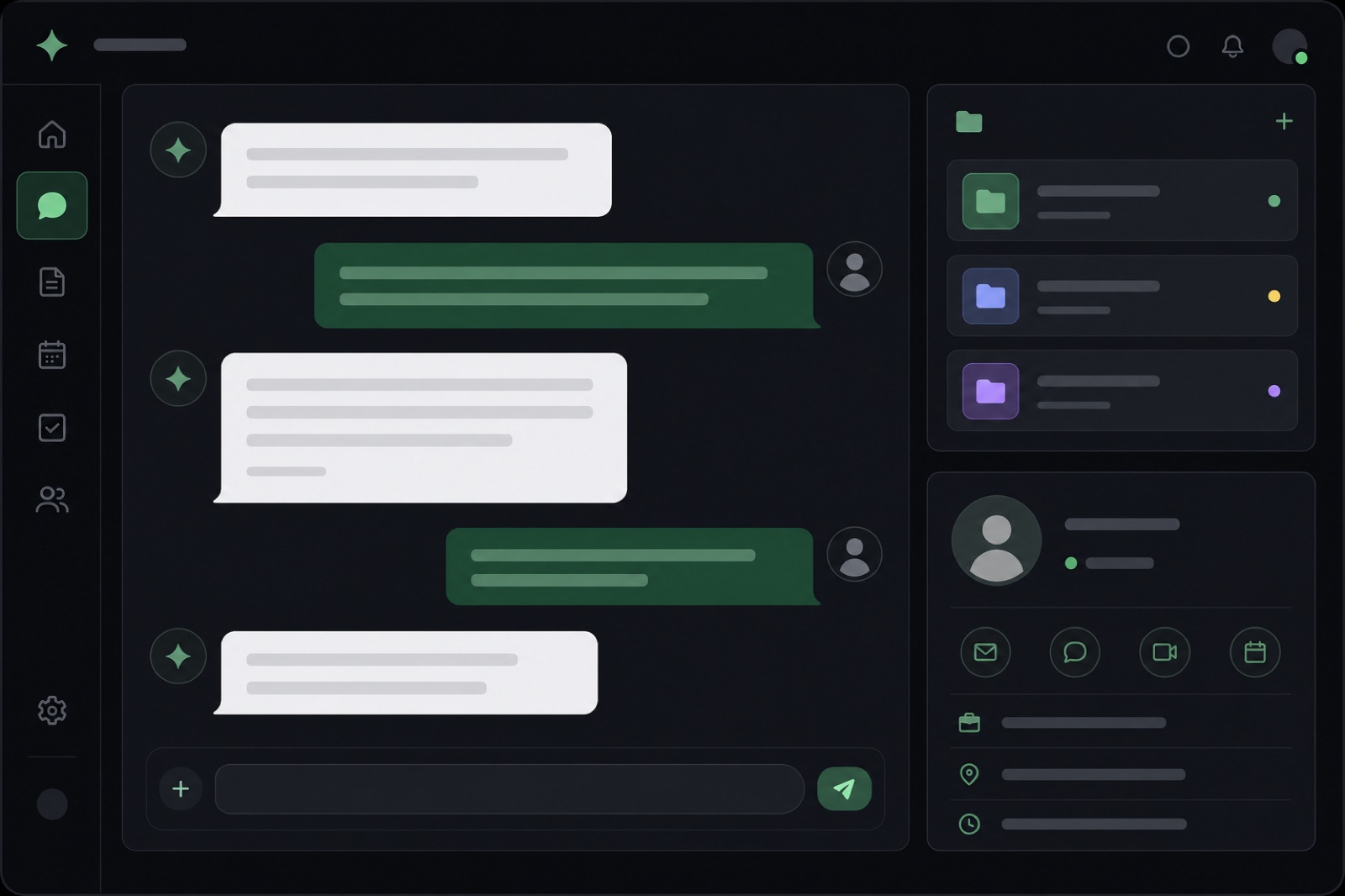
A real AI assistant for professionals keeps a growing record of your preferences, projects, recurring contacts, and how you like things written. It applies that context automatically, without prompting. It also connects to your tools - calendar, email, documents, databases - so it can act, not just advise.
Why Generic Chatbots Fall Short for Professionals
The average knowledge worker spends roughly 11.7 hours a week on email alone, processing around 121 messages a day. Most of that does not require strategic thinking. It requires attention, context, and a consistent voice. Generic chatbots handle the drafting part adequately. They fall apart on everything else.
Here is where the gap shows up most clearly.
No Memory Across Sessions
Every conversation starts cold. You cannot ask a standard chatbot "what were the open action items from my call with Clara last Tuesday" because it was not on that call and has no record of it. A personal AI assistant for work can hold that context and surface it when it is relevant.
No Place in Your Workflow
Switching to a browser tab to ask an AI something is a context switch. It takes you out of the work. The best AI work assistants live where you already are - inside your messaging app - so asking a question or firing off a task feels as natural as sending a voice note.
No Recurring Jobs
A chatbot responds when you speak to it. An AI assistant can be set to send you a briefing every morning, triage a folder on a schedule, or ping you when a condition is met. The difference is the shift from reactive to proactive. For a busy professional, proactive is the only kind of help that scales.
Five Work Tasks a Personal AI Assistant Handles Well
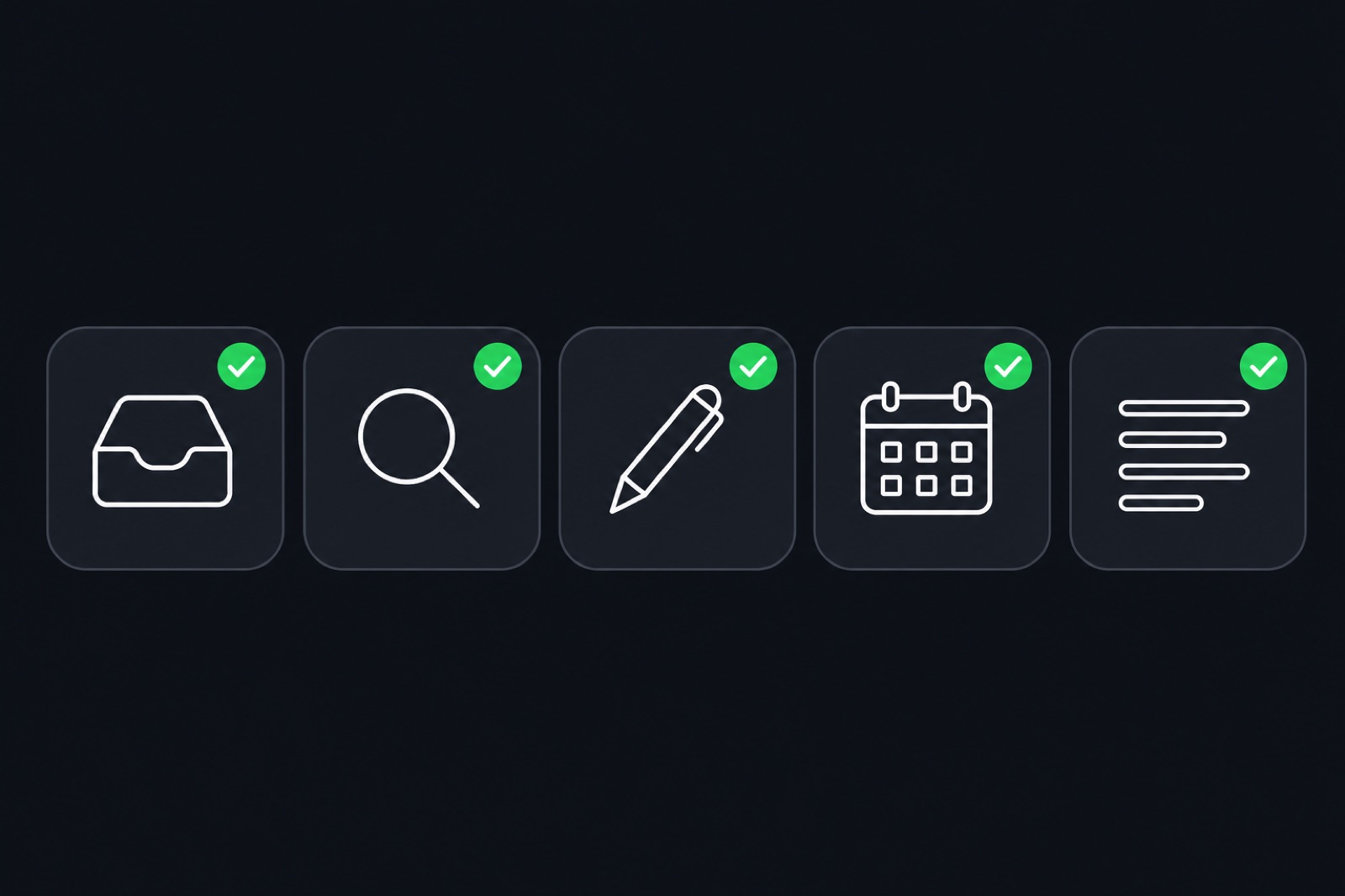
These are the use cases where a personal AI assistant for work pays off quickest, based on how Hermify users report spending their saved time.
1. Inbox Triage
You land from a flight with 60 unread messages. Your AI assistant has already sorted them by urgency, flagged the two that need a reply today, and drafted responses to the three routine ones. You review, edit if needed, and send. What would have taken 40 minutes takes 8.
2. Research and Briefings
Before a client call, sales meeting, or board presentation, you need context fast. A personal AI assistant pulls together what it already knows about that contact from your notes, runs a quick search on the topic, and produces a one-page brief. You show up prepared without spending an hour preparing.
3. Drafting and Follow-ups
The blank-page problem costs professionals real time. Your AI assistant knows your writing style, the relationship context, and the goal of the message. You give it a one-line instruction ("follow up with Marc on the contract, friendly but clear on the deadline") and it returns a draft you can send with minor edits.
4. Scheduling Coordination
Scheduling is mostly a logic problem: find a slot that works, protect your deep-work blocks, respect time zones. An AI assistant connected to your calendar handles the back-and-forth, proposes times, and confirms without your involvement once you set the rules once.
5. Recurring Digests
Daily stand-up bullet points, a weekly review of key metrics, a Monday morning task list built from the previous week's notes. An AI personal assistant for busy professionals can generate these on a schedule so you start each day with context already assembled.
Why Telegram Is the Right Home for a Work AI Assistant
Telegram has over 950 million monthly active users and a bot API that allows sophisticated automation. More practically, it is where a lot of professionals already handle messages that do not belong in email and are too important for a noisy group Slack.
Putting your personal AI assistant for work inside Telegram means no new app to learn, no tab to switch to, no dashboard to maintain. You send a voice note, a photo of a whiteboard, or a quick text and the assistant responds in context. The Hermes Agent on Telegram goes further: it keeps all your memory in one place, accepts voice input natively, and lets you add custom skills as your needs change.
How to Get Started in Under a Minute
This is where Hermify is different from building your own setup.
Most personal AI assistant solutions for professionals require you to configure API keys, wire up integrations, host a server, and maintain the stack. That is a reasonable trade-off for an engineer. For everyone else, it is a blocker that means the assistant never gets set up at all.
Hermify connects you to a fully managed Hermes Agent on Telegram in about a minute. No servers, no API keys, no configuration. You pick a plan, connect your Telegram account, and your assistant is live. Memory is on from the first message and persists across every session. Skills like voice input, web research, and scheduling support are included, with the option to add custom MCP-based integrations as your workflow demands.
The Hermify AI assistant for busy professionals page walks through each tier and what is included.
What to Expect in the First Week
The first thing most new users notice is that they stop re-explaining themselves. Within a few sessions the assistant has absorbed your projects, your contacts, your preferred formats, and your communication style. From that point the quality of drafts improves significantly.
The second thing is the proactive outputs. A morning briefing, a follow-up reminder you did not have to schedule, a summary of the thread you forgot to read. Professionals who adopt a personal AI assistant for work consistently report that the biggest gain is not speed on individual tasks, it is the reduction in things that fall through the cracks.
A 2026 analysis by Index.dev found that AI assistants are the second-largest agentic AI adoption category, cited by 53.5% of organizations, trailing only research and summarization tools. The adoption curve is steep because the return on setup time is fast.
Choosing a Personal AI Assistant for Work
When evaluating options, ask four questions.
First, does it remember? Persistent memory is not a nice-to-have. Without it you are running a chatbot, not an assistant.
Second, where does it live? An assistant that requires a dedicated app or dashboard will be used less than one that is already in your messaging flow.
Third, can it act? Drafting is useful. Drafting and sending, or researching and summarizing into a document, is more useful. Look for tool connectivity - calendar, search, notes, custom integrations.
Fourth, who maintains it? A self-hosted setup gives you control and shifts maintenance to you. A managed service means the model is updated, the uptime is handled, and the infrastructure never surfaces as your problem.
Hermify sits firmly in the managed category, with the Hermes Agent handling all three of memory, action, and maintenance, inside Telegram, starting in about a minute. Create your account and your first session is ready before your coffee.
Sources
Run Your Own Hermes Agent
Bring your API key, connect Telegram, and get a self-improving AI agent live in 60 seconds.
Get Started