AI Agent With Any Model: Use ChatGPT, Claude, or Your Own
Hermes Agent is model-agnostic: plug in ChatGPT, Claude, Gemini, or any local model as its brain. Get a persistent agent with memory, tool-calling, and scheduling — not just a chat UI.
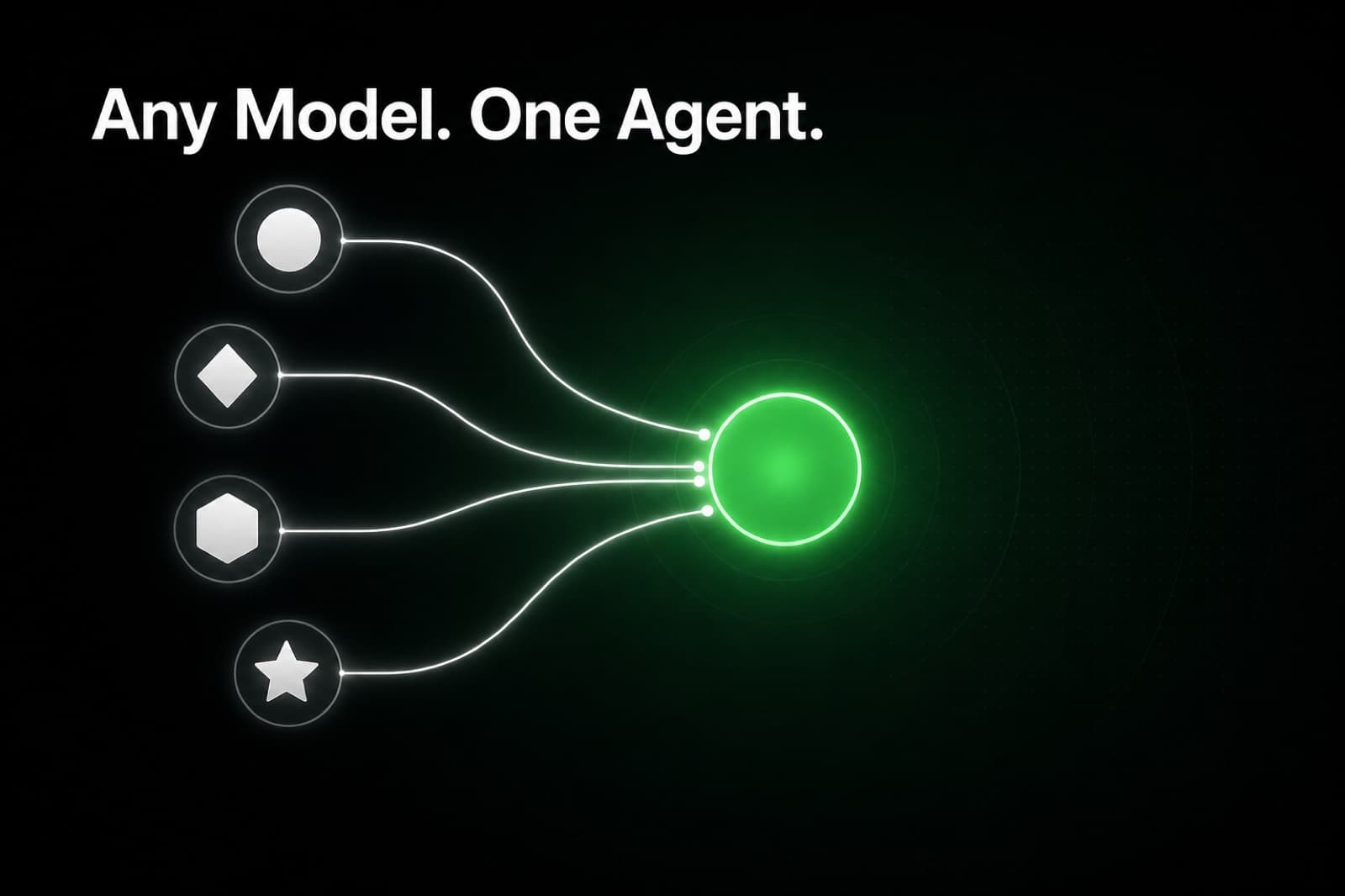
The problem with being locked to one model
When most people search for a "self-hosted ChatGPT alternative", they have two things mixed up in the same question: where the model runs, and what the model can actually do for them.
Open WebUI, LibreChat, and AnythingLLM solve the first part. They are chat front-ends that sit in front of a model and give you a ChatGPT-style interface you host yourself. They are excellent at what they do.
But they all share the same fundamental constraint: they wait for you to type.
The question nobody asks but everybody eventually wants answered is: "Can I have an assistant that uses ChatGPT, or Claude, or Gemini, or a local Llama, and actually does work on its own?"
Yes. That is exactly what Hermes Agent does.
Model-agnostic: the real edge
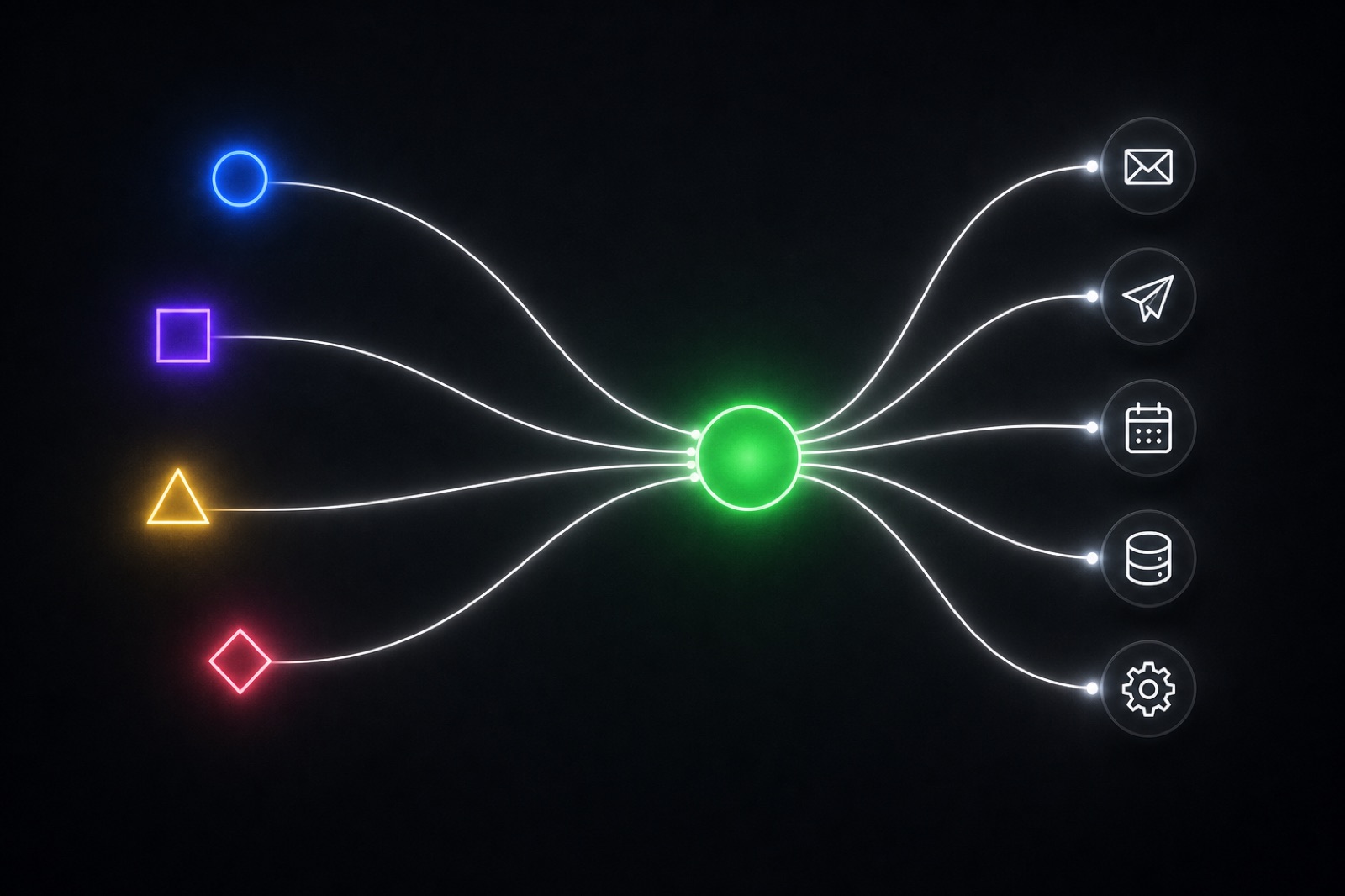
Hermes Agent does not care which model you use. Its job is to be a persistent agent with memory, tool-calling, and scheduled execution. The AI model is pluggable: think of it as the "brain" you choose, while Hermes is the body that remembers, acts, and runs on a schedule.
In practice, you can connect Hermes to:
- ChatGPT (GPT-4o / GPT-4.1) via your own OpenAI key
- Claude (Sonnet or Opus) via your Anthropic key
- Gemini via Google's API
- Any local model (Llama, Mistral, Qwen) via Ollama or any OpenAI-compatible endpoint
- OpenRouter to route across dozens of providers with a single key
You can even switch models without changing anything else. If you run GPT-4o as your default brain today and want to switch to Claude tomorrow, you update one setting. The memory, the tool connections, the scheduled skills: all of it carries over.
This matters more than it sounds. AI models improve fast. Being able to swap the brain without rebuilding the agent is not a nice-to-have. It is how you avoid being locked in when a better model ships six months from now.
What Hermes adds on top of any model
A chat UI sends your message to a model and shows you the reply. That is the entire feature set.
Hermes adds three layers that no chat front-end provides:
1. Persistent memory across sessions. Hermes remembers what you talked about last Tuesday. It can use that context in today's conversation without you having to paste it back in.
2. Tool-calling on its own initiative. Hermes can read your email inbox, query a database, post to Telegram, check Stripe, or call any API, without you asking, on a schedule you define.
3. Scheduled execution. Your agent runs at 7 a.m. and sends you a digest. It runs after a Stripe event fires and notifies you. It checks a dashboard every hour and only pings you when something changes. None of this requires you to open a chat window.
The model you plug in handles reasoning and language. Hermes handles everything else.
The three ways to run Hermes with your model of choice
Hermify offers three tiers built around the model-agnostic idea:
Starter (BYOK) — $19/month. Bring your own API key: OpenAI, Anthropic, OpenRouter, or any compatible endpoint. You pay your model provider directly. Hermify handles the agent infrastructure, memory store, VPS, and uptime. Good if you already have a preferred model and want to keep your own billing.
Pro — $29/month. Hermify provides the managed API key. You get access to current top-tier models without needing a separate API account. Simpler billing, zero API key management, model upgrades handled for you.
Dedicated — $49/month. A dedicated VPS, isolated environment, and full control over model routing. For teams that need data isolation or want to run private local models alongside cloud APIs.
All three tiers give you the same agent: persistent memory, tool-calling, scheduled skills, MCP server support. The only difference is who manages the model key and the hardware.
How to keep your chat UI if you want one
Hermes speaks the OpenAI-compatible API on the way in. That means if you already have Open WebUI deployed, you can point it at your Hermes instance and chat through the same interface you already use.
You get the best of both: the familiar chat window for when you want to type, and an agent running in the background when you do not.
The difference is that now the model is not locked to one provider, the agent remembers what you said last week, and it can do things without being asked.
What to do next
If you want to experiment with a local model first, install Ollama and point Hermes at it. You can switch to a cloud model later without touching anything else.
If you want to skip the infrastructure and go straight to the agent, Hermify takes under five minutes to set up.
The model is your choice. The agent is Hermes.
Sources
Run Your Own Hermes Agent
Bring your API key, connect Telegram, and get a self-improving AI agent live in 60 seconds.
Get Started