Self-Hosted AI Agent in Docker: A Practical 2026 Guide
How to run a self-hosted AI agent in Docker without losing a weekend. Architecture, trade-offs, and the options that actually work in 2026.
Why Docker Is the Default Way to Run a Self-Hosted AI Agent
If you have decided you want an AI agent on your own infrastructure instead of paying a SaaS monthly fee, Docker is almost certainly how you are going to run it. Every serious open-source agent runtime ships a Dockerfile or a docker-compose.yml in 2026. The pattern has converged because containers solve four problems at once that self-hosting an agent surfaces: the Python or Node runtime version, the system dependencies for audio or vision, the network surface to expose to Telegram or Slack webhooks, and the persistent state (a database and a vector store) that the agent needs across restarts.
This post walks through what running a self-hosted AI agent in Docker actually looks like in 2026: the architecture, the platforms worth knowing about, the trade-offs you are signing up for, and the cheapest setup that survives a restart. It is written for someone who has used Docker before but has not yet picked an agent stack.
What "Self-Hosted AI Agent" Means in Practice
The phrase covers a wide range of products. Before you pick a Docker image, separate them into three buckets.
Workflow agents are visual or low-code platforms where you wire boxes together to compose an agent. n8n, Dify, and Flowise are the canonical examples. They run as a web app you log into, and the agent is a workflow you draft and trigger. Good fit if you want a GUI and 400+ pre-built integrations.
Code-first agent frameworks are libraries you write Python or TypeScript against. LangChain or LangGraph, AutoGen, CrewAI, and the OpenAI Agents SDK sit here. You ship your code as a Docker image. Good fit if you are a developer who wants full control of the prompt, the tools, and the state machine.
Runtime agents are pre-built agents that you self-host and connect to your own messaging app (Telegram, Slack, WhatsApp, Signal, email). Hermes Agent, OpenHands, and Agent Zero are examples. You do not write the agent loop yourself - it is shipped. You bring an API key, you bring a server, and you talk to it from your phone.
The Docker recipe is similar for all three. The differences are in what you put around the container: a database for persistent memory, a vector store for semantic search, and a webhook receiver for whichever messaging app you connect.
The Reference Architecture
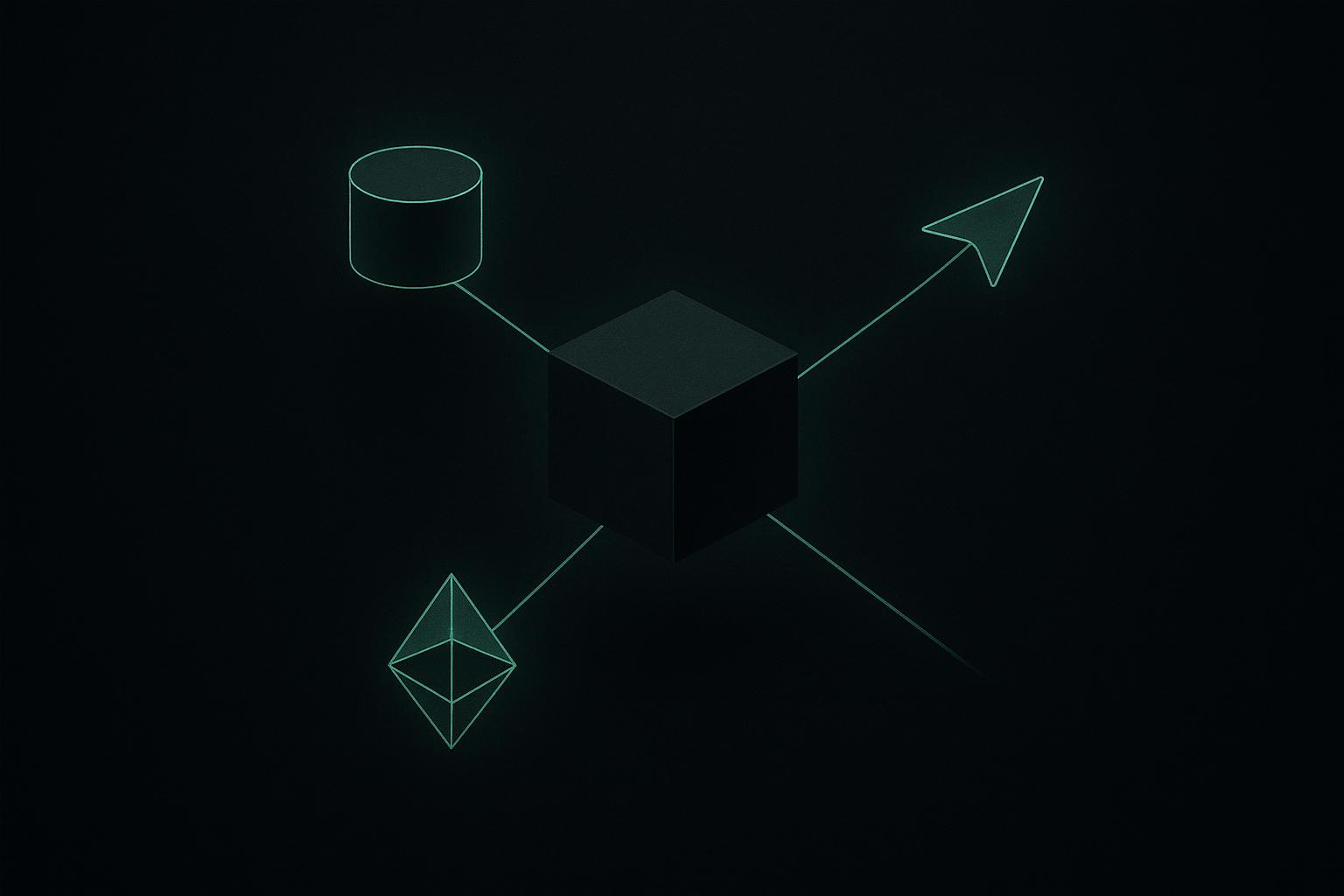
Almost every self-hosted AI agent in Docker ends up looking like this:
| Component | Typical image | What it does |
|---|---|---|
| Agent runtime | Custom image or ghcr.io/<project>/<agent> |
The agent loop: receives input, calls the LLM, executes tools |
| LLM gateway | ollama/ollama for local, or external API |
The model itself, or a proxy to OpenAI / Anthropic / OpenRouter |
| Relational DB | postgres:16 |
Conversations, user state, scheduled jobs |
| Vector store | qdrant/qdrant or pgvector inside Postgres |
Long-term memory, semantic search, RAG |
| Reverse proxy | traefik or caddy |
TLS termination, webhook routing |
| Messaging adapter | Inside the agent image | Telegram, Slack, Discord, WhatsApp, Signal connectors |
You will not need every layer. If your agent is text-only and uses an external LLM API, you can skip Ollama. If your messaging app uses long-polling instead of webhooks (Telegram supports both), you can skip the reverse proxy. The minimum viable stack on a single $5 VPS is the agent runtime plus Postgres, with the model called via an external API. That is roughly three to four containers in one docker-compose.yml.
A Minimal docker-compose.yml
For most personal or small-team agents, this is the shape of the compose file. Replace your-agent-image with whichever runtime you picked.
services:
  agent:
    image: your-agent-image:latest
    restart: unless-stopped
    environment:
      DATABASE_URL: postgres://agent:agent@db:5432/agent
      MODEL_PROVIDER: openai
      OPENAI_API_KEY: ${OPENAI_API_KEY}
      TELEGRAM_BOT_TOKEN: ${TELEGRAM_BOT_TOKEN}
    depends_on:
      - db
    ports:
      - "127.0.0.1:8080:8080"

  db:
    image: postgres:16-alpine
    restart: unless-stopped
    environment:
      POSTGRES_USER: agent
      POSTGRES_PASSWORD: agent
      POSTGRES_DB: agent
    volumes:
      - db-data:/var/lib/postgresql/data

volumes:
  db-data:
Three things to flag. The agent port is bound to 127.0.0.1 rather than 0.0.0.0 because a public messaging webhook should arrive through a reverse proxy that terminates TLS, not directly on a raw container port. Secrets live in a .env file next to the compose file (and never in git). The Postgres volume is named so docker compose preserves it across restarts; lose that volume and you lose your agent's memory.
The 2026 Options Worth Knowing
Here is the short list of open-source agent stacks that ship Docker images and have momentum in 2026.
| Project | Type | License | Messaging integrations | Notes |
|---|---|---|---|---|
| Hermes Agent | Runtime | MIT | Telegram, Slack, Discord, WhatsApp, Signal, email | Persistent memory, BYOK model providers, autonomous skill creation |
| n8n | Workflow | Sustainable Use | 400+ via nodes | Visual workflow builder, large integration catalog |
| Dify | Workflow | Apache 2.0 | Web UI, embeddable widgets | RAG-first, prompt orchestration, built-in monitoring |
| Flowise | Workflow | Apache 2.0 | Web UI, REST/Slack/Telegram nodes | Drag-and-drop LangChain |
| LangGraph | Framework | MIT | Whatever you wire | Code-first, deep state graphs |
| AutoGen | Framework | CC-BY 4.0 (Microsoft) | Whatever you wire | Multi-agent conversation |
| OpenHands | Runtime | MIT | Web UI, IDE | Software engineering agent in a sandboxed Docker |
| Agent Zero | Runtime | MIT | Web UI, terminal | Autonomous computer-use agent |
The split matters because the right choice depends on what you want the agent for. A workflow platform is the right pick if you want to automate a business process with 14 steps and 5 external APIs. A framework is the right pick if you are building a custom product. A runtime is the right pick if you want a personal agent that lives on your phone via a messaging app and remembers you.
For the messaging-first personal use case, Hermes Agent compares directly against n8n for the workflow side and against LangChain for the framework side.
The Real Trade-Offs
Self-hosting in Docker is not free, even though the binaries are. The honest list of trade-offs in 2026:
You own the uptime. A managed agent provider monitors processes, restarts crashed containers, and pages someone at 3am when a release breaks production. On a self-hosted VPS that is you, even if you have configured restart: unless-stopped. Docker restarts containers; it does not fix a corrupted Postgres volume or an expired Telegram bot token.
You own the data, fully. This is the upside that makes the trade-offs worth it for most readers. Your conversations, your client notes, your contacts list - none of it touches a third party except the LLM provider you choose. EU users running on an EU VPS get GDPR data residency without paperwork. Healthcare or accounting users running on hardware they control get a defensible answer to "where does the data live."
You own the model bill. Using your own API key (BYOK) typically costs a few dollars a month for a personal agent rather than the $20+ that a hosted equivalent charges. The flip side is that you have to top up an OpenAI or Anthropic balance and watch it.
You own the upgrade. Pulling a newer image is one command, but reading the changelog and migrating the database schema is not. Plan a 15-minute window every couple of months.
You do not own the LLM. Unless you run Ollama or vLLM locally on a GPU, the model itself is still an API call to OpenAI, Anthropic, Google, Mistral, or an OpenRouter aggregate. Self-hosted in 2026 usually means self-hosted runtime, not self-hosted weights. That is fine - the runtime is where 90% of the data sensitivity lives.
If those trade-offs read as acceptable, the upside is meaningful. Self-hosted infrastructure shows roughly a 55% total cost of ownership reduction over 18 months versus equivalent SaaS, with latency advantages on the order of 18 ms when the model is also local. For most readers the cost win lands earlier than that, around month three.
What the Cheapest Setup Looks Like
A practical 2026 baseline for a one-person self-hosted agent:
- A $5 to $10 per month VPS (Hetzner, Vultr, Contabo) with 2 GB of RAM
- Docker and Docker Compose installed
- A reverse proxy (Caddy is the easiest for automatic TLS) on port 443
- One agent runtime container, one Postgres container
- A model API key topped up with $5 to $10
- A messaging bot (a Telegram bot is the fastest to set up)
Total monthly bill: roughly $7 to $20 depending on usage, of which $4 to $10 is API tokens and the rest is the VPS. The setup takes 15 to 30 minutes if you have used Docker before; closer to an evening if you have not. The VPS sizing math is in our dedicated post on cheap VPS hosting for an AI agent, and the cost math between self-hosted and managed is here.

When Self-Hosting Is the Wrong Answer
A short list of cases where the Docker route is the wrong tool.
- You need zero ops involvement and your team will not tolerate any downtime. Pay for a managed runtime.
- You want vendor SLAs and a phone number to call. Managed.
- You have less than an hour of patience for the initial setup. Managed.
- Your agent needs to scale elastically to thousands of concurrent users tomorrow. A managed Kubernetes-backed runtime is worth the premium.
For everyone else - solo founders, indie developers, small firms, privacy-sensitive professionals, hobbyists - Docker on a small VPS is the path with the best ratio of control to setup time.
Where Hermes Fits
Hermify is an MIT-licensed self-hosted AI agent runtime that ships as a Docker image. You bring your own model provider key (OpenAI, Anthropic, OpenRouter, Mistral, or others), you run the container on a VPS or your own machine, and you talk to it through Telegram, Slack, Discord, WhatsApp, Signal, or email. It keeps persistent memory across conversations, learns reusable skills from your usage, and stays out of your way the rest of the time. It is one option among the runtimes listed above; it happens to be the one we maintain.
If the personal-agent-on-your-phone shape is what you want and you have an hour to put a Docker container behind a reverse proxy, Get started with Hermify. If you would rather skip the VPS entirely and have us run it for you, the managed tier handles the container, the Postgres, the TLS, and the updates while you keep your own model key.
Sources
- Self-hosted AI Starter Kit - n8n / GitHub
- Docker for AI: The Agentic AI Platform - Docker
- Compose for Agents - docker/compose-for-agents GitHub
- Self-Hosting AI in 2026: 55% TCO Reduction - DEV Community
- 12 Best Open Source AI Agents You Can Self-Host in 2026 - Paxrel
- How to Self-Host n8n with Docker - DEV Community
- Agent Zero AI - Open Source Agentic Framework
Run Your Own Hermes Agent
Bring your API key, connect Telegram, and get a self-improving AI agent live in 60 seconds.
Get Started