Hands-Free AI: Hermes Voice + Telegram Workflows
Use Hermes Agent voice on Telegram for hands-free productivity. Real workflows for morning briefings, task capture, and quick lookups while you are on the move.
The Problem with Typing Everything
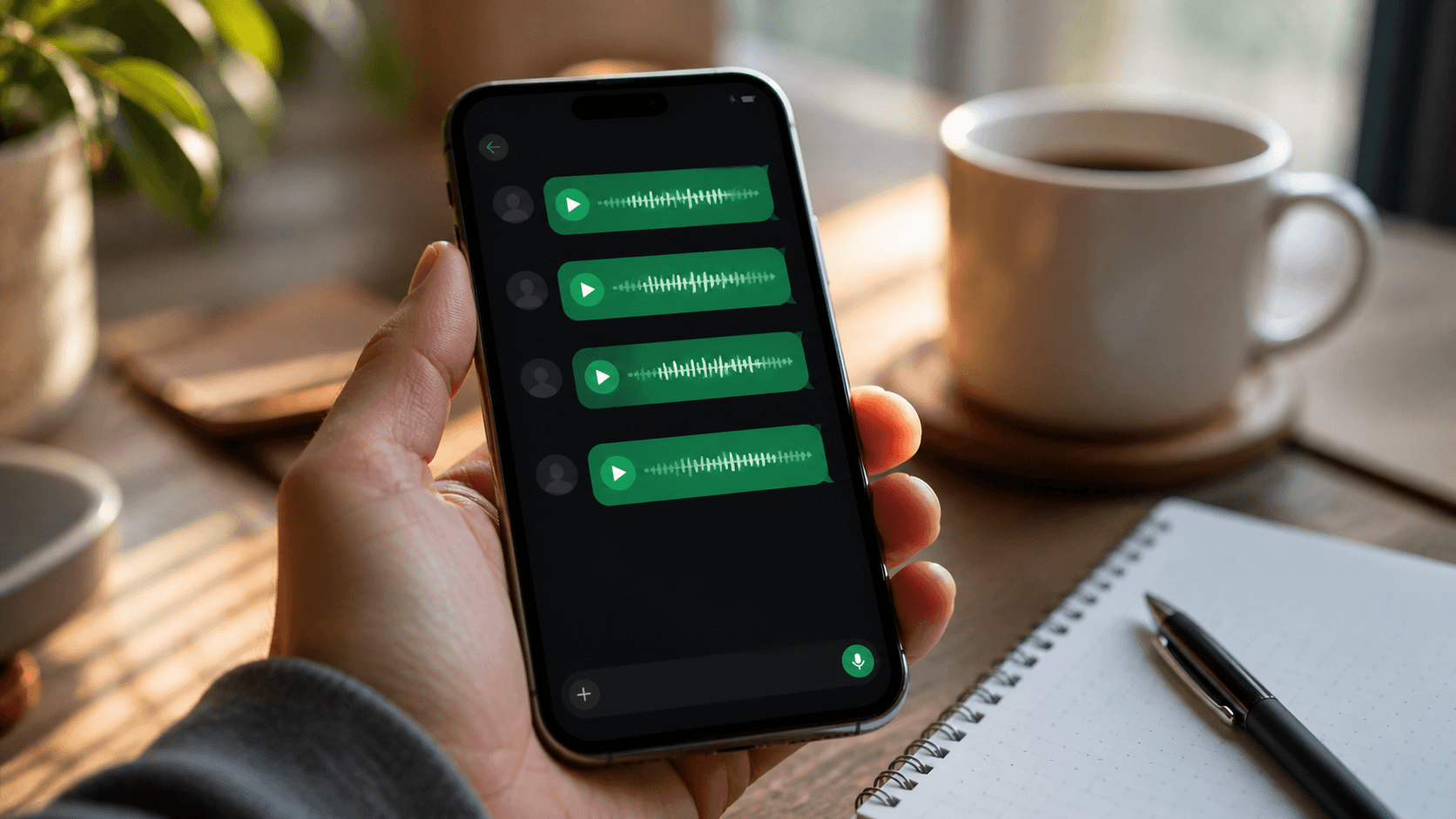
Most AI assistants assume you are sitting at a desk with both hands free. Real life does not work that way.
You are driving to a meeting and need to add a task. You are cooking dinner and want to check a recipe substitution. You are walking between appointments and want to dictate a follow-up email draft. In all of these moments, the standard "open the app, type your question, read the response" loop fails.
Hermes Agent with voice mode on Telegram can solve this. You send a voice memo
- the same way you would send one to a friend - and, when voice replies are enabled, the agent transcribes it, processes it, and sends back spoken audio. This page is the workflow/use-case part of the voice cluster. For the feature reference, start with what Hermes Agent voice mode can do.
Here is how to build real productivity workflows around this.
How the Voice Pipeline Works
When you send a voice memo to your Hermes Telegram bot:
- Telegram delivers the audio file to the bot
- Hermes downloads and transcribes it using Whisper (local) or a cloud STT provider
- The transcribed text is processed as a normal message - with full access to your agent's memory, skills, and tools
- Hermes generates a response and converts it to spoken audio via your configured TTS provider
- The audio arrives in Telegram as a voice bubble, alongside the text
The time for the full loop depends on audio duration, transcription, model reasoning, speech generation, and the selected provider. Measure your own short message before designing a workflow around a latency target.
When your Hermes configuration includes persistent memory and the required skills, the same context and tools available to text messages are available to the transcribed request. This is not just a stateless voice search.
Morning Briefing
The most consistent high-value workflow is the morning briefing. Set up a cron skill that fires at your preferred time and delivers a structured update via Telegram voice message:
# In your agent's skill configuration
- name: morning_briefing
  cron: "0 7 * * *"
  prompt: |
    Give me a brief morning update. Include any reminders set for today,
    a quick note on what I was working on yesterday, and a one-sentence
    focus suggestion. Keep it under 90 seconds of spoken audio.
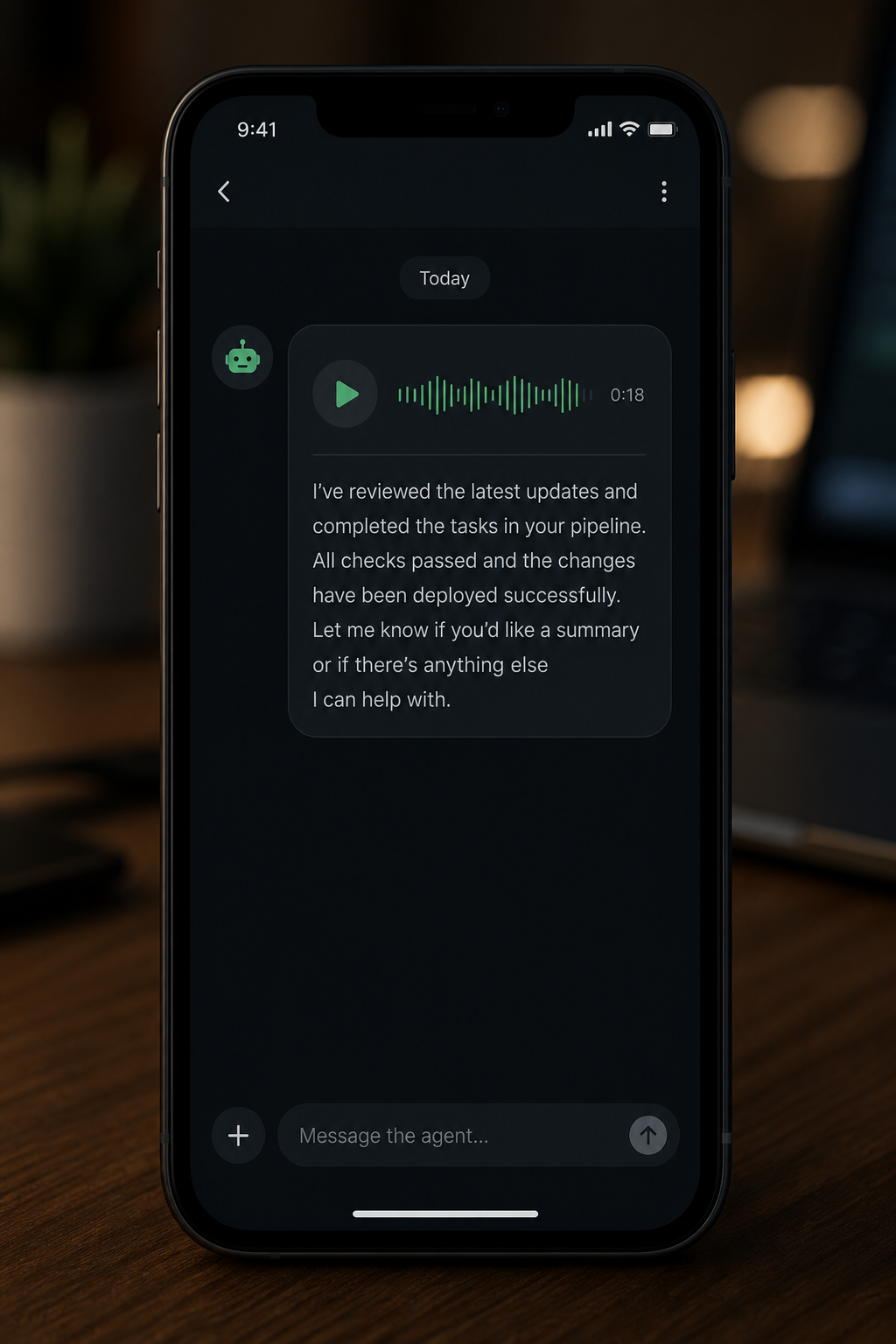
You wake up to a voice message in Telegram. No screen, no scrolling, no decision fatigue about what to look at first.
On-the-Go Task Capture
One of the highest-friction moments in any productivity system is capturing a thought before it disappears. Voice plus Telegram reduces that friction to near zero.
Hold the microphone button. Speak: "Remind me to follow up with Sarah about the contract before Thursday." Release. Done.
Your agent transcribes, understands the intent, creates the reminder, and confirms verbally: "Got it. I'll remind you about the Sarah contract on Wednesday evening."
This works while walking, driving hands-free, cooking, or in any situation where opening a notes app is impractical. Because Hermes has persistent memory, the captured task is not floating in a separate app - it lives in the context of everything else your agent knows about your work.
Quick Lookups
Voice is particularly strong for simple lookups that feel disproportionately slow to type:
- "What is 230 Fahrenheit in Celsius?"
- "How many millilitres in two tablespoons of olive oil?"
- "What was the name of that framework we were discussing last Tuesday?"
- "Summarize what I was working on yesterday."
These questions are trivial to speak. They feel like friction when typed. Voice on Telegram makes your agent feel like a natural extension of thought rather than a tool you consciously operate.
Dictation and Drafting
Hermes can serve as a voice-driven drafting assistant. Speak a rough idea and ask the agent to shape it:
"Draft a short apology email to the client about the delivery delay. Professional but warm, under 150 words."
The agent writes the draft and sends it as text alongside a spoken acknowledgement. You refine it by voice or copy it to your email client. No keyboard needed until the final send.
This is particularly effective for:
- Email replies during a commute
- Meeting notes dictated immediately after a call before the details fade
- Brainstorming sessions where you want to capture ideas without losing the thread
Choose a Voice-Reply Pattern
Hermes has explicit messaging voice commands:
/voice onmakes voice messages receive spoken replies./voice ttsmakes every message receive a spoken reply./voice offreturns to text-only replies.
For most Telegram workflows, /voice on is the closest fit to a "reply in
kind" interaction: it keeps voice memo exchanges audible without turning every
desktop text message into audio.
Multilingual Voice
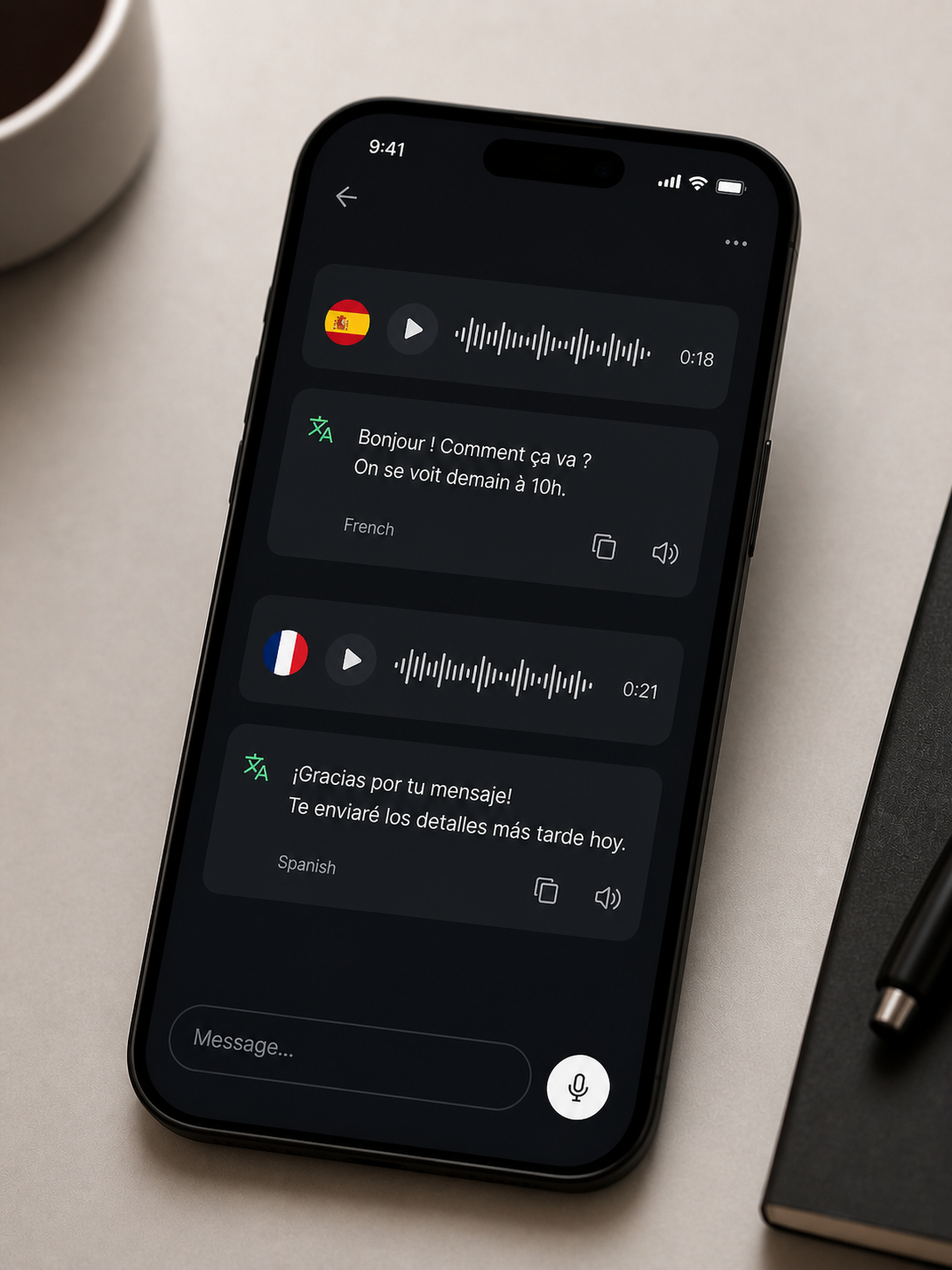
Hermes uses Whisper for transcription, which supports 90+ languages. You can speak in Spanish, Portuguese, French, or any other supported language and the agent transcribes, processes, and responds appropriately.
For multilingual households or teams, different members can interact with the same agent in their preferred language. The agent's memory and skills are shared - only the interface language adapts per conversation.
Group Chats
Hermes also works in Telegram group chats. Multiple users can send voice memos to a shared bot, making it useful for small teams who want a shared AI assistant without switching apps. The agent responds to each message individually and maintains context across the conversation thread.
Setting Up Voice on Telegram
If you are running Hermes yourself:
- Install the messaging and voice extras:
pip install "hermes-agent[messaging,voice]" - Add your Telegram bot token to
config.yaml - Set a TTS provider (Edge TTS works out of the box, no API key needed)
- Start the gateway:
hermes gateway start --detach - Send a voice memo to your bot to test
If you want to use a hosted Hermes Agent primarily from Telegram rather than maintain a runtime yourself, explore Hermify. Configure the agent to fit your workflows, then use it from Telegram or the web app.
Making It a Habit
Voice workflows only stick if the friction is low enough. A few things that help:
- Pin your bot conversation in Telegram so it is always one tap away, never buried in the app
- Start with one workflow - the morning briefing has the highest leverage. Once that is routine, layer in task capture, then drafting.
- Use
/voice onso voice memos receive audio replies without turning every desktop text message into speech
The goal is not to replace all your tools with voice. It is to remove the friction from the moments where typing is genuinely the wrong interface.
Sources
Lanza tu propio agente Hermes
Trae tu clave de API, conecta Telegram y ten un agente de IA que evoluciona solo activo en 60 segundos.
Empezar